Journalists and fact-checkers
Check viral images and user-submitted photos before they go into a story.
A convincing fake face now takes one prompt. Upload a photo, profile picture or still from a video and check it for AI generation, face swaps and AI edits before you share or act on it.
or drag and drop it here
JPG, PNG, WebP, BMP, TIFF, HEIC · up to 10 MB
Sign up free for 1,000 credits - your first scan included
No image handy? Try a sample:
Free scan included — Advanced Analysis on Pro.
Sign up free for a confidence score, C2PA checks, and a downloadable report. Upgrade to unlock Advanced Analysis: sliding-window heatmap and deeper region reasoning for paid plans.
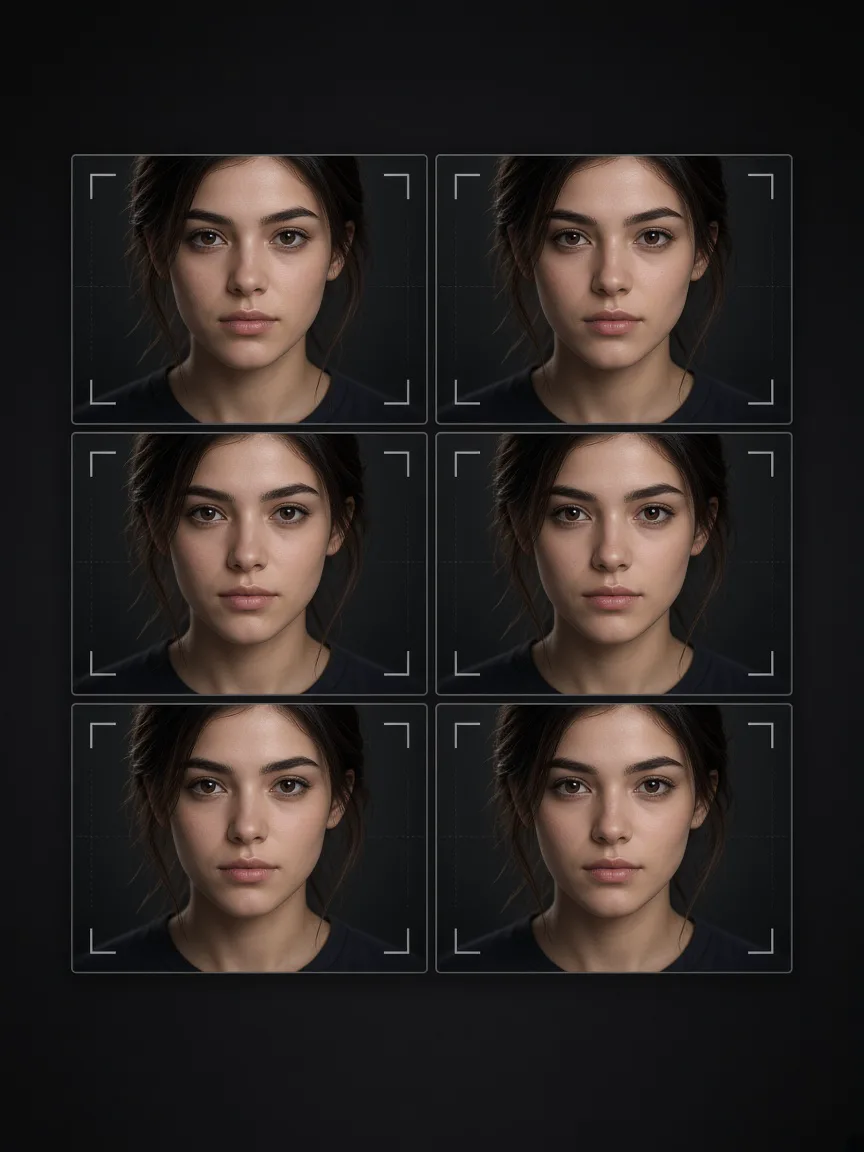 AI-generated
Deepfake images come in three forms: a face that never existed, a real photo with a face swapped in, and a real photo with part of the scene changed by AI. We look for all three.
C2PA Content Credentials and IPTC "synthetic media" tags from OpenAI, Google, Adobe and others, plus generator names and parameters left in the file.
Pixel and frequency analysis for the over-smooth skin, repeating texture and lighting patterns that diffusion and GAN models leave in faces.
The heatmap highlights regions whose noise does not match the rest of the frame, which is where a swapped face or an inpainted object shows up.
Real photos usually carry a camera make, model and capture time. Generated images rarely do, and sometimes name the tool that made them.
Drop the original JPG, PNG, WebP, BMP, TIFF or HEIC file you received, up to 10MB. Originals beat screenshots.
We check provenance and camera metadata, then analyse the pixels for the traces AI generators and editors leave.
Get an AI-vs-real confidence score, the evidence behind it and a heatmap of regions that look edited. Download the report if you need a record.
Check viral images and user-submitted photos before they go into a story.
Screen profile photos and reported images for AI faces and impersonation.
Check a match’s photos for AI-generated faces before meeting or sending money.
Review images used in CEO-impersonation and social-engineering attempts.
Get a first read on photo evidence before sending it for forensic examination.
Check an image of a public figure, a relative or a stranger before you share it.
Use the scan as a first pass, then look closely. Generators keep improving, so no single tell is reliable on its own.
Detect AI text and images, fix grammar, count words, compare two texts, and soon humanize AI writing. The free writing tools need no account.
Quick answers about the deepfake detector, its accuracy and its limits.
Start your journey with GPTONE today and unlock the power of AI!