Free AI Image Detector - Spot AI-Generated & Manipulated PhotosBETA

Verify image authenticity with advanced AI detection. Detect deepfakes, fake IDs, and manipulated photos in seconds.

Our full advanced detector is free, not a trimmed-down demo.

Region heatmap, C2PA provenance checks and the downloadable report are all included on the free tier, with no account and nothing held back behind a paywall. Free visitors get one scan a day.

  • Every advanced signal included free, nothing gated behind a plan
  • Runs entirely in your browser your image is never uploaded
  • Detailed analytics with a pixel-level manipulation overlay
  • Downloadable AI-vs-real confidence report
Drag & Drop Your Images Here Or
JPG, PNG, WebP - Max 10.00 MB
1 free scan a day - no sign-up required
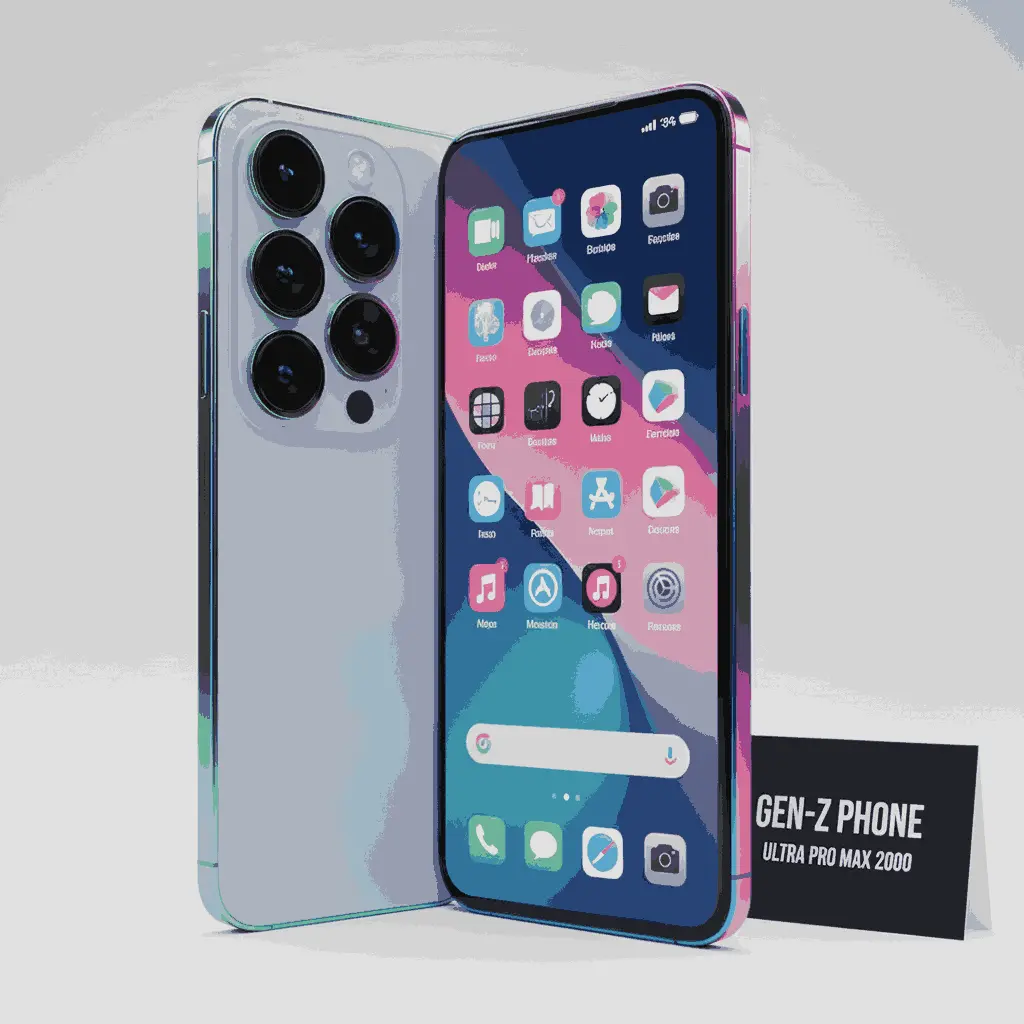
Try sample image:
✦ Image Processing

How AI Image Detection Works?

AI image detection is the process of analyzing digital visuals to determine whether they were created or altered by artificial intelligence. We run a simple 3-step image authenticity check.

Upload Image (max 10MB)
We validate format and size before analysis starts.
Analyze signals
We examine textures, edges, lighting consistency and artifacts.
Get a verdict
AI vs real confidence + an easy-to-read breakdown.
Manipulated
Real
Real
Manipulated
✦ Examples

See the AI image detector work on real examples

Three cases that break in three different ways: a camera original, a fully synthetic image, and a real photo with one edited region. Run any of them to see the actual confidence score and heatmap, not a screenshot of someone else's result.

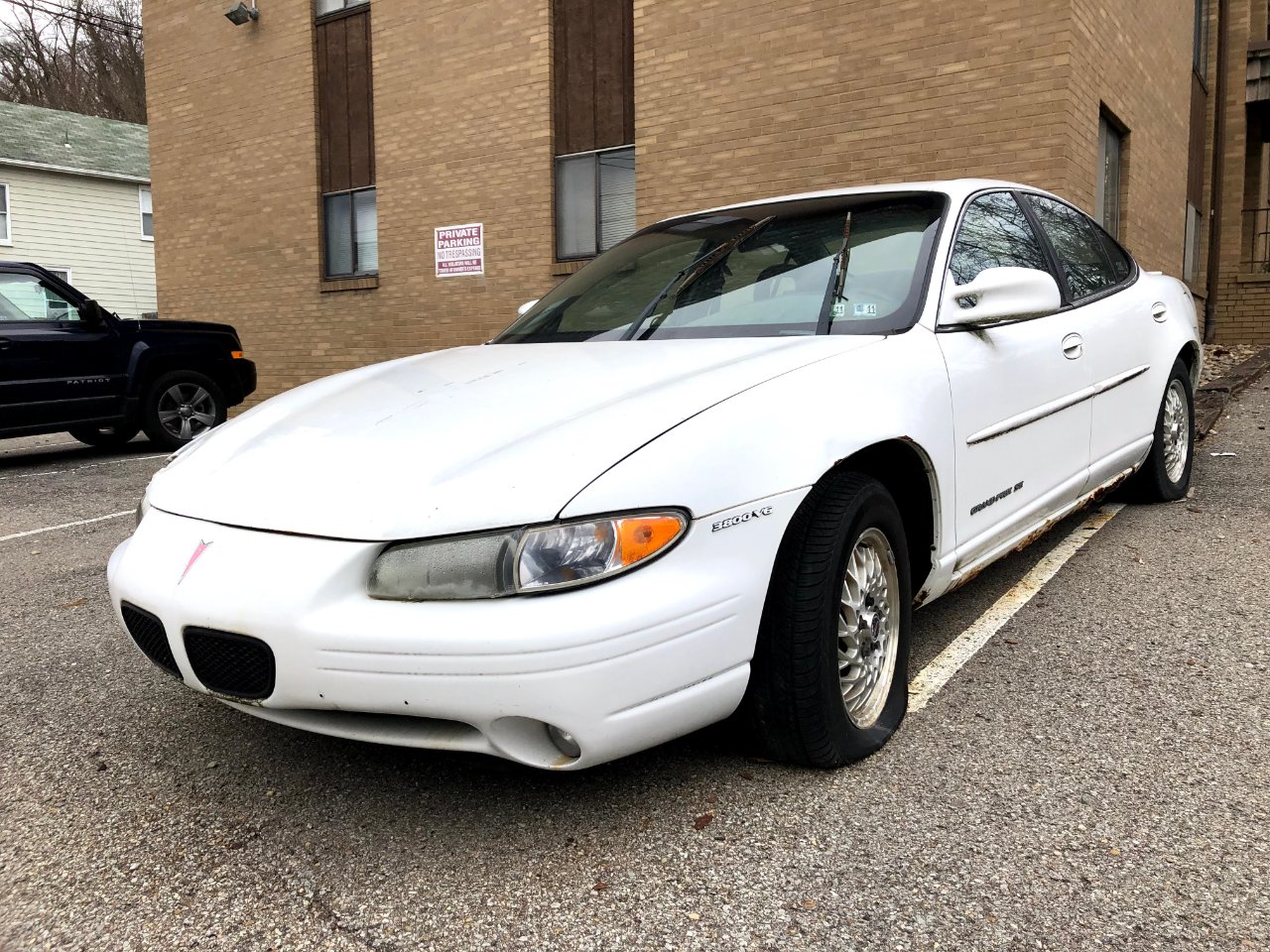
Camera original of a parked car, used to demonstrate a real-photo verdictCamera original

Real Photo Example

A photograph straight off a phone camera, EXIF intact.

What the detector looks for in cases like this

  • Camera make and model recorded in EXIF (Apple iPhone 8)
  • Lens and exposure data present: aperture, shutter, ISO
  • Frequency falloff matching a natural photo spectrum

Signal family for this case: Camera metadata

Synthetic scene generated by Stable Diffusion, used to demonstrate an AI verdictSynthetic

AI-Generated Example

A Stable Diffusion image of a person who does not exist.

What the detector looks for in cases like this

  • IPTC DigitalSourceType declares trained-algorithmic media
  • Edges unusually smooth for a real camera capture
  • Provenance overrides the pixel signals rather than averaging with them

Signal family for this case: Provenance declaration

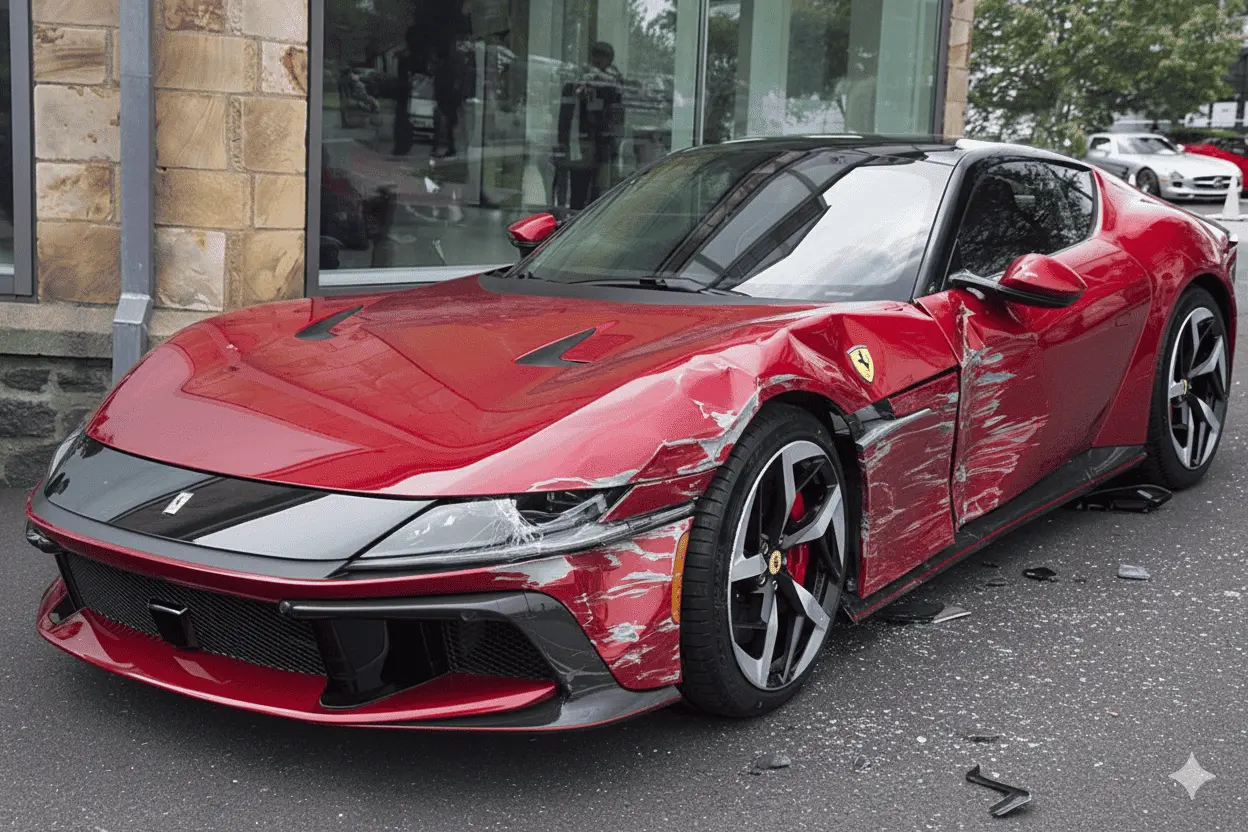
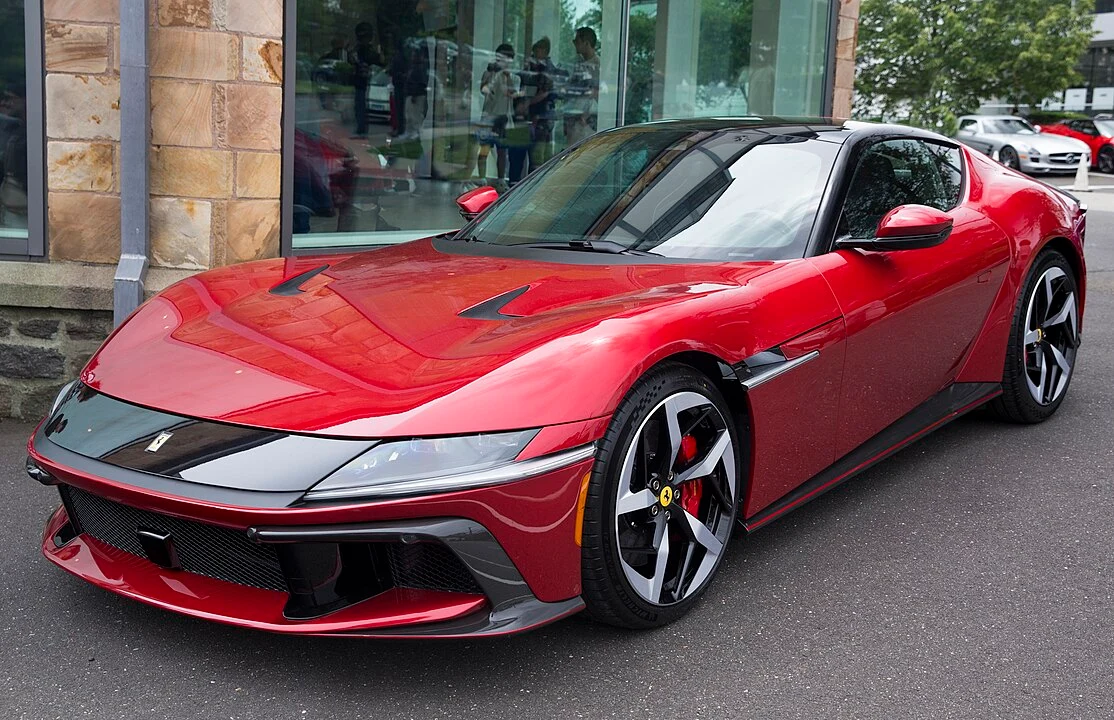
Photo with one region cloned over after capture, localized by the region heatmapLocally edited

Manipulated Example

The same photo with one region cloned over, the claim-fraud pattern.

What the detector looks for in cases like this

  • Noise variance jumps between the edited region and its surroundings
  • Camera metadata gone, as an editor re-save leaves it
  • Compression artifacts no longer uniform across the frame

Signal family for this case: The region heatmap

✦ Method

The three signals an AI image detector can actually read

No single test identifies an AI-generated image reliably. GPTOne combines three independent families of evidence and tells you which one drove the verdict, so you can judge how much weight the result deserves.

Pixel and frequency artifact analysis

Diffusion models and GANs leave statistical fingerprints that a camera sensor does not. We measure four of them: the noise spectrum (real sensors produce a characteristic grain that generators smooth away), edge coherence (AI edges are often too clean or subtly warped), compression artifacts (how JPEG blocking sits relative to image content), and lighting consistency (whether shadows and highlights agree across the frame). These run in a Web Worker on your own machine.

Strongest when:
Works even when a file carries no metadata at all.
Breaks down when:
Weakened by heavy compression, screenshots, resizing, and upscaling.

Provenance and Content Credentials

The strongest possible signal is the file admitting what it is. We scan the raw bytes for C2PA Content Credentials, the tamper-evident provenance manifest that Adobe, OpenAI, and camera makers increasingly attach, and read IPTC DigitalSourceType fields that explicitly declare synthetic or algorithmic media. When a hard provenance signal is present, it overrides the pixel analysis rather than being averaged into it.

Strongest when:
Near-certain when present, and it names the origin rather than guessing.
Breaks down when:
Screenshots, re-uploads, and most social platforms strip it completely.

Metadata and generator fingerprints

We parse EXIF, XMP, and IPTC, plus PNG text chunks, looking in two directions at once. Generator traces such as Midjourney, DALL·E, Stable Diffusion, Firefly, Ideogram, Flux and similar tool names, or leftover generation parameters like sampler, CFG scale, steps, and seed, push the verdict toward AI. Genuine camera evidence such as a make and model, lens, exposure triple, and GPS pushes it toward real. Photo-editing software like Photoshop is recorded as context, not as evidence of AI.

Strongest when:
Often decisive on original, unedited files straight from the source.
Breaks down when:
Trivially removed, and absence of metadata proves nothing either way.

What this AI image detector cannot do

  • This tool returns a confidence score, not legal proof. Treat it as one signal among several.
  • Upload the original, highest-quality file. Screenshots and re-saved copies destroy the signals detection depends on.
  • When metadata is stripped and the file has been recompressed, we widen the score toward 50% and flag low confidence rather than inventing certainty.
  • Traditional retouching in Photoshop is not AI generation and is reported separately. This engine targets AI-generation artifacts.
  • Newer generators can outrun any detector. Verify anything consequential through multiple sources and, where it matters, a forensic expert.
✦ Coverage

Detect all types of AI‑generated images

Our AI Image Checker is designed to detect a wide range of AI generation and AI-assisted edits, from subtle changes to complex synthetic visuals. It helps you quickly assess authenticity and decide what to do next.

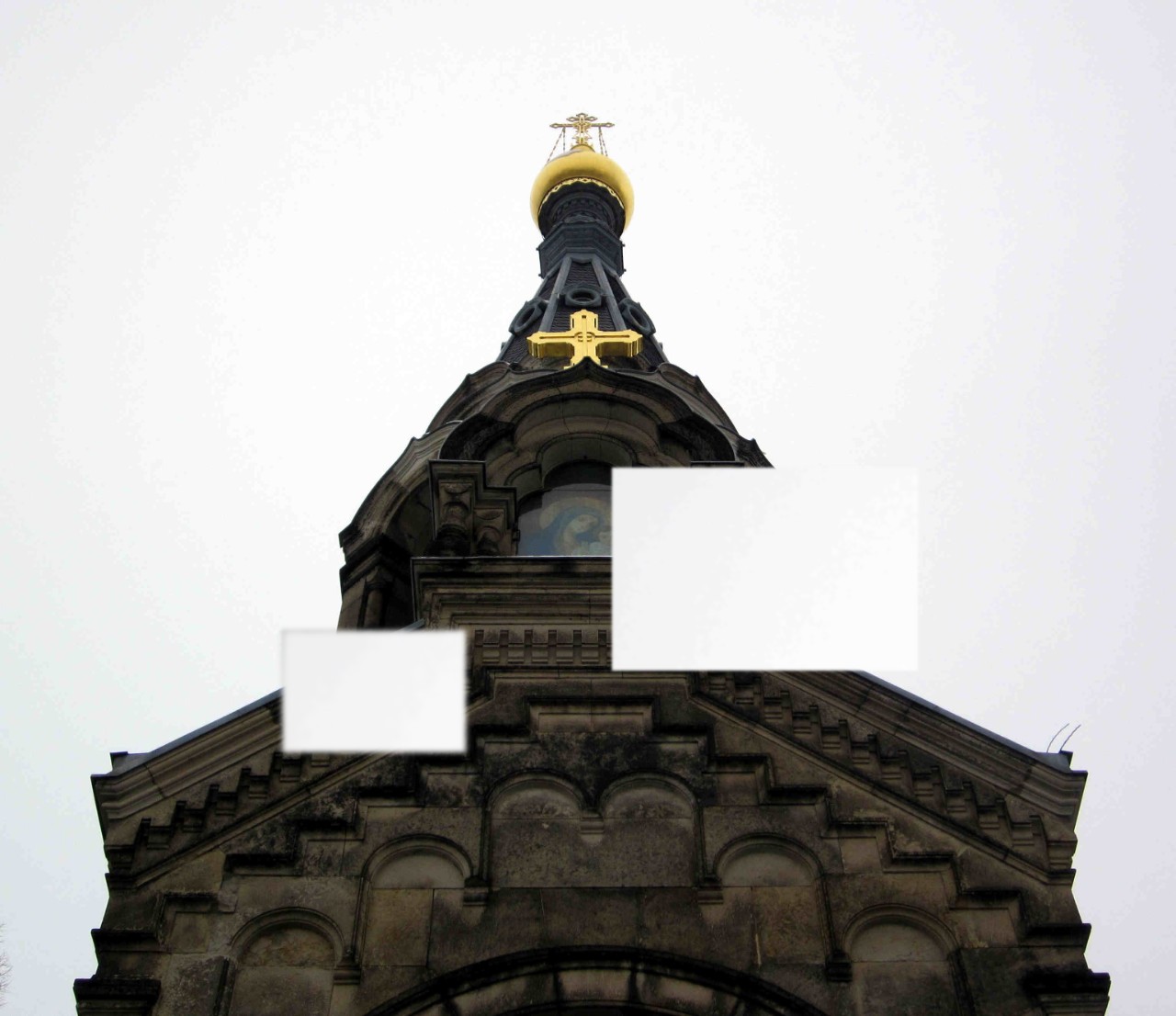
Deepfake Images

Deepfake Images

Synthetic media that places someone in altered or fabricated situations.

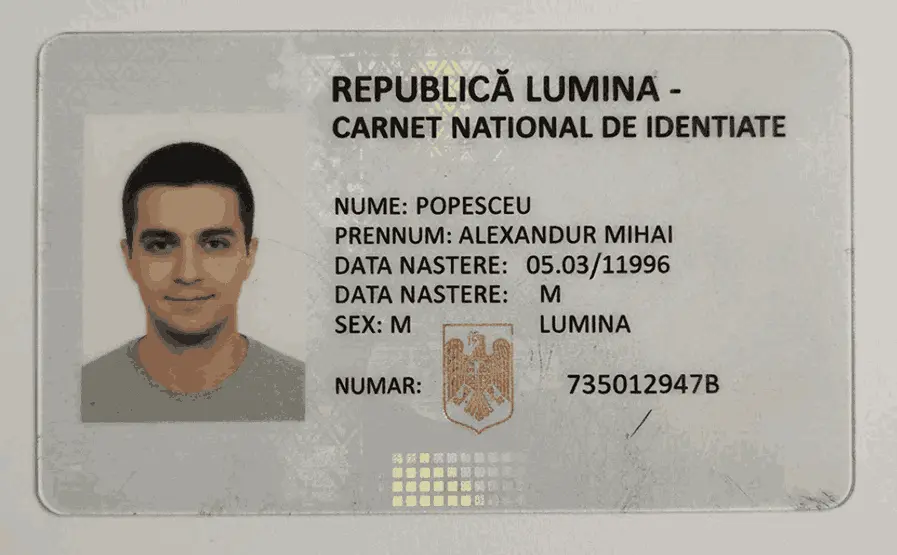
Fake IDs

Fake IDs

Spoofed identity documents used to bypass verification checks.

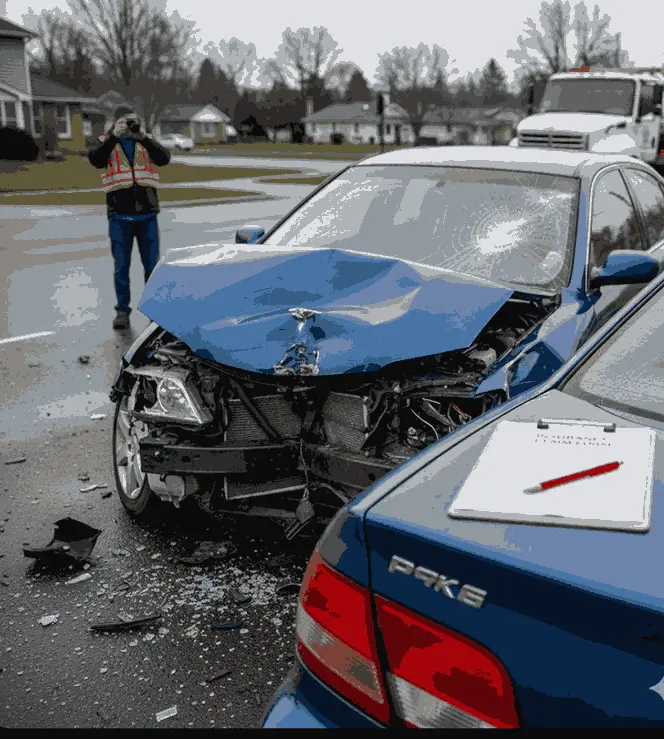
Insurance Claims

Insurance Claims

Manipulated incident photos used for fraudulent claims.

Fake Photo Evidence

Fake Photo Evidence

Altered photos designed to support false reports or claims.

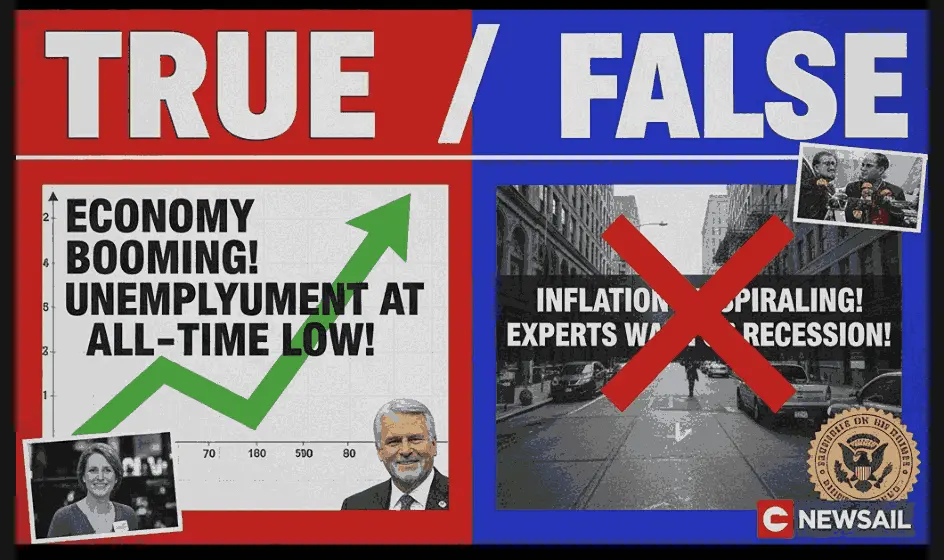
Misinformation Graphics

Misinformation Graphics

Synthetic visuals made to spread fake news or misleading narratives.

Product / Listing Edits

Product / Listing Edits

Retouched images that exaggerate quality or hide defects.

✦ Compatibility

Compatible with top AI image generators

Our AI Image Detector seamlessly analyzes images from the most popular generators, including icons like Midjourney, DALL‑E, Stable Diffusion, and more.

DALL·E
Stable Diffusion
Midjourney
Ideogram
Flux
Bing Image Creator
GANs
Nano Banana (Google DeepMind)
Seedream
Adobe Firefly
✦ Comparison

GPTOne vs other AI image detectors

Most AI image detectors upload your photo to their servers before analyzing it. GPTOne runs the whole analysis in your browser, so the file never leaves your device. Here is how the popular options compare on the things that actually matter.

Feature comparison of free and paid AI image detectors, covering free tier, signup requirement, AI region heatmap, downloadable reports, and API availability.
DetectorFree tierNo signupRegion heatmapReport exportAPI
GPTOne1 scan/dayYesYesYesOn request
Hive ModerationFree demoNot statedNoNot statedYes
AI or NotNot statedNot statedNot statedNot statedYes
DeepAIFree, credit-limitedNot statedYesNot statedYes
IlluminartyDetection freeNot statedPaid planNot statedPaid plan
SightengineFree accountNoNoNot statedYes
TruthScanNot statedNot statedYesYesYes

Comparison compiled from each vendor's own public product pages, last verified August 2026. “Not stated” means the vendor does not publish that detail. It is not a claim that the feature is missing. Vendors change plans and features frequently, so check the linked pages for current details.

✦ Features

What Features Our AI Image Detector Offers!

Our AI Image Detector seamlessly analyzes images from the most popular generators, we offers variety of features that make our tool authentic or fast.

Fast Visual Explanation

Confidence bars + a signal breakdown help users understand the verdict without overwhelming them.

Privacy First Workflow

Analysis runs entirely in your browser on files up to 10MB, so the image is never uploaded to a server. Treat results as a signal, not absolute proof.

Artifact-aware signals

We look for frequency patterns, texture irregularities, and compression artifacts that often appear in synthetic images.

Fast Processing

Get results in seconds with our optimized detection pipeline that processes images efficiently.

Detailed Analytics

Comprehensive signal breakdown including noise spectrum, edge coherence, compression artifacts, and lighting consistency.

Visual Overlay

See suspected regions highlighted with an interactive overlay that shows pixel-level detection areas.

✦ Trusted By

Trusted by professionals worldwide

Our AI Image Checker is versatile and robust, capable of detecting AI across various types of images trusted by multiple organizations leads.

Journalists

Verify authenticity of breaking news photos Detect AI-generated or manipulated images Prevent misinformation before publication Confirm image metadata and source credibility Maintain newsroom trust and journalistic integrity Reduce reputational risk from fake visuals
Journalist reviewing news photos with an AI image detector before publication
✦ Tools

Explore More Tools

Fix grammar and spelling mistakes, detect AI plagiarism, check for plagiarism, generate citations, advanced word counter, powerful summarizer and grammar checker

✦ Our Plan

Choose Your Plan

Select the perfect plan for your needs

Get 20,000 free credits after signup
Start scanning instantly with your free credits — no card required.
Claim Free Credits
FREE

Free

20,000 words per month

$0.00/month
No card required
Sign up & claim 20K

For getting started

  • AI Scan
  • Grammar Check
  • Dashboard Analytics
  • Humanizer
  • 20,000 credits after signup
40% OFF

Starter

180,000 words per month

$4.79/month
$7.99Limited-time offer

For individuals

  • AI Scan
  • Grammar Check
  • AI Vocabulary Check
  • Dashboard Analytics
  • Humanizer
  • Writing Feedback
  • Plagiarism Check
  • Source & Generate Citations
  • API Access
  • Standard Support
40% OFF

Pro

500,000 words per month

$7.79/month
$12.99Limited-time offer

For professionals

  • AI Scan
  • Grammar Check
  • AI Vocabulary Check
  • Dashboard Analytics
  • Humanizer
  • Writing Feedback
  • Plagiarism Check
  • Source & Generate Citations
  • API Access
  • Priority Support
Most Popular
40% OFF

Elite

1,000,000 words per month

$17.99/month
$29.99Limited-time offer

For teams

  • AI Scan
  • Grammar Check
  • AI Vocabulary Check
  • Dashboard Analytics
  • Humanizer
  • Writing Feedback
  • Plagiarism Check
  • Source & Generate Citations
  • API Access
  • Dedicated Support
Enterprise API

Need API Access for Your Business?

Integrate AI detection and humanization directly into your products. Pay-as-you-go with pooled credits and flexible billing.

$100 per API Key

3,000,000 credits included

Never Blocked

Negative balance allowed, billed monthly

Both Services

AI Detector + Humanizer in one key

Sign Up to Get Started

No long-term contracts. Net-30 invoicing on overages. Dedicated support.

✦ FAQ

AI Image Detector FAQs

Quick answers about AI image detection, overlays, and best practices.

Ready to Get Started?

Start your journey with GPTONE today and unlock the power of AI!