Diffchecker Alternatives: 7 Free Text Compare Tools for Prose, Not Code
 Sana Bano
·October 29, 2026
·9 min read

Compare diffchecker alternatives for prose, with notes on word-level changes, privacy, and free limits.
Key Takeaways
The right text comparison tool depends less on a flashy highlight color than on what you need to review and where your text can go. Start with the kind of changes you care about, then check the privacy and free-use details.
- Word-level comparisons are often easier to review than line-only changes in prose.
- A moved paragraph can matter even when its wording is unchanged.
- Browser-based comparison does not automatically mean text is never sent to a server; check the tool’s privacy details.
- Free limits vary, so verify file size, saving, and account requirements before relying on a tool.
- For sensitive writing, use a workflow that fits your privacy needs and keep a separate copy of your drafts.
What Diffchecker does well, and where it stops for prose
Diffchecker is a straightforward place to compare two versions of text: you can paste text or upload files and see changes highlighted. That is useful when you need to find additions, deletions, or edits without reading both versions line by line. It also supports comparing code and data, so it is not limited to prose.
For an essay or blog draft, though, line-by-line change marks may not answer the whole question. You may want to see which words changed inside a sentence, or notice that a paragraph has moved rather than disappeared. Those details matter when edits are small but their meaning is not.
A Diffchecker alternative free workflow may suit you better if it makes word- and sentence-level changes easier to inspect. GPTOne’s free diff checker describes comparison in the browser, with moved paragraphs and similarity stats; that is a different emphasis from simply scanning a long list of changed lines. Choose based on the evidence you need to review, not on the assumption that every diff is built for prose.
What matters when comparing prose: word-level changes, moved paragraphs, privacy
Text comparison is most useful when the display matches the way you read. A whole changed line can hide a one-word revision inside a sentence, while a paragraph moved to another part of the document can look like a deletion followed by an addition. For drafts, the distinction can save time and prevent a false impression of how much was rewritten.
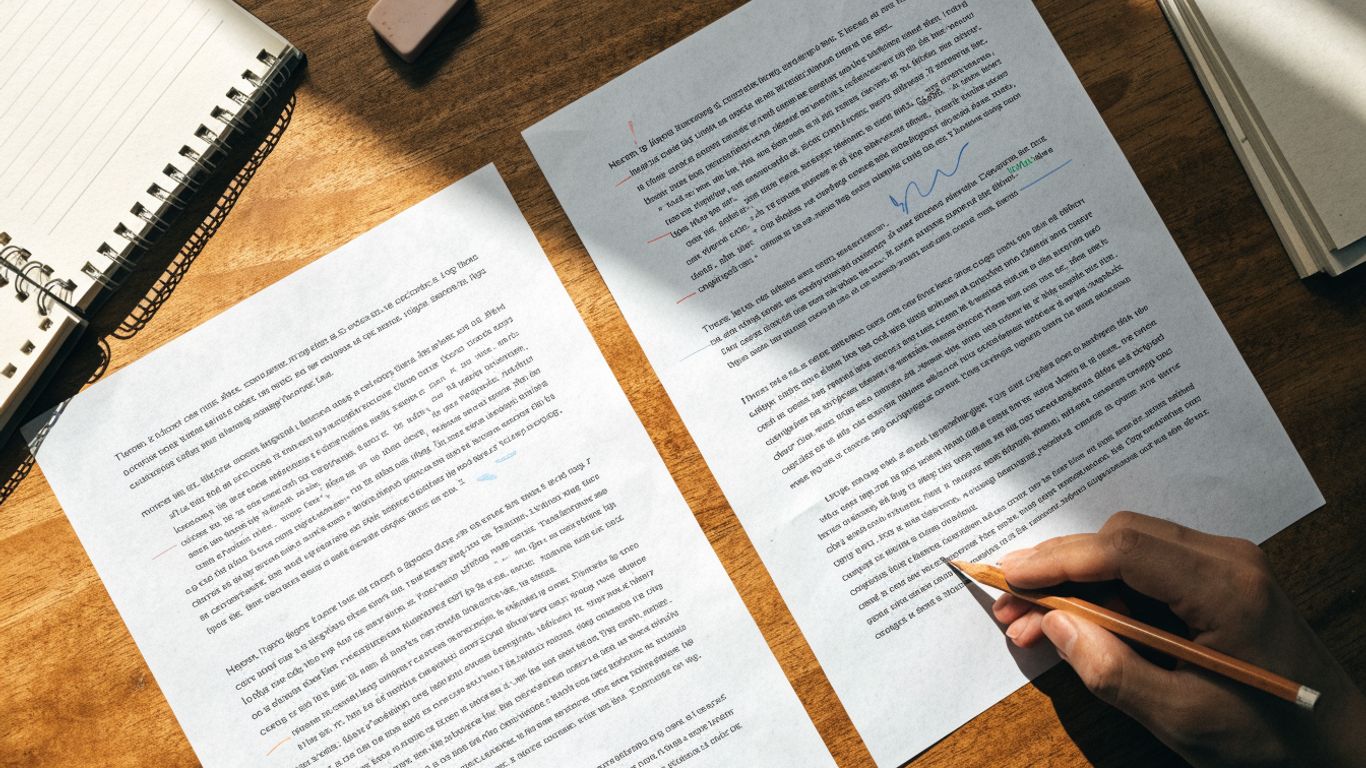
Privacy is a separate question from visual clarity. A tool that runs in a browser may still send text elsewhere, so look for an explicit explanation of what is processed locally, uploaded, or saved. If you need to compare text without uploading, verify that claim on the specific tool’s own page before pasting confidential or personal material.
Before comparing, decide what you need the result to show; these checks keep the review focused:
- Use word-level changes when you need to inspect small edits within sentences.
- Check for moved paragraphs when order and structure matter.
- Confirm what happens to pasted text before using sensitive material.
- Keep an untouched copy of both versions in case you need to revisit the source.
This makes privacy and comparison quality part of the same decision, without treating either as a feature you can infer from the interface. A clear diff is helpful, but it is not a substitute for checking how a service handles your text.
Seven alternatives, and what each one is best for
If you are searching for sites like diffchecker, it helps to separate dedicated diff tools from document history and manual review. The options below vary in how they compare text and how much setup they ask of you. Their best use depends on whether you value a quick browser check, a self-hosted setup, or the context of an existing document.
Here is a practical shortlist. GPTOne’s browser-based diff checker is one prose-focused option; the linked Rich Diff Checker describes classifying additions, deletions, updates, moves, and copy/paste or find-and-replace patterns. The Diffchecker online tool also compares text, code, and data, while the self-hosted project Differ highlights text changes and can save comparisons to shareable links.
| Option | Best fit | What to keep in mind |
|---|---|---|
| GPTOne free diff checker | Browser-based text review with word- and sentence-level changes | Its page describes moved paragraphs and similarity stats too |
| Diffchecker | Comparing text, code, or data online or offline | Its feature set extends beyond prose |
| Rich Diff Checker | Reviewing categorized change types | Its described workflow also covers code |
| Differ | A self-hosted comparison workflow | Hosting and setup are part of the choice |
| Start Page HQ | A diff tool built into a new-tab experience | The page describes it as browser-based and ad-free |
| Google Docs version history | Reviewing edits in the context of a document timeline | A timeline and a direct text comparison answer different questions |
| Manual side-by-side review | A simple fallback when you can open both drafts | You must locate changes yourself |
That last distinction is worth keeping in view: a timeline can give you editing context, while a diff makes it easier to scan differences between two versions. A version-history comparison can help you decide which view answers your question. For a quick prose check, start with a tool whose comparison level and privacy terms you understand.
Which tools send your text to a server, and which run in the browser
The word “online” does not tell you where comparison happens. Some tools describe browser-based processing, while others save comparisons or offer a hosted service; those details are not interchangeable. Read the tool’s own privacy explanation before using unpublished work, student writing, client copy, or anything else you would not want exposed.
The pages for GPTOne’s free diff checker describe comparison in the browser with no signup or uploads required. That is a specific claim about the described comparison workflow, not a reason to assume every online checker behaves the same way. In contrast, the Differ project describes data being saved to a database for shareable links, even though its comparison and compression steps are described as happening client-side.
A text diff also answers a different question from authorship detection. If your separate concern is whether writing may be AI-generated, GPTOne lets you check AI likelihood; that result is not a comparison of two drafts or proof of who wrote them. Keep those jobs distinct, and avoid sending sensitive text to any service until its current handling terms are clear.
Free limits: file size, saved diffs, ads and desktop apps
“Free” can mean a free comparison, a limited account, or a tool you can run yourself, so the label alone does not tell you whether it fits a regular workflow. Limits can also change. Check the current product page for file size, saved comparisons, account requirements, ads, and whether a desktop version exists before you settle on a tool.
The available descriptions do not establish a single, comparable set of free-tier limits across all seven options. Diffchecker’s page describes online and offline comparison, while Start Page HQ’s page describes a browser tool without ads or upsell banners; Differ describes a self-hosted project with saved shareable diffs. Those are useful differences, but they do not provide a complete, like-for-like price or storage comparison.
Treat the details as a short preflight check rather than a promise based on an old review. Confirm how large a file you can compare, whether a comparison is saved, and whether an account or installation is required. That small check can prevent a free tool from becoming inconvenient halfway through a real review.
Picking one for essays, contracts or blog drafts
For an essay, prioritize readable word-level changes and check whether paragraphs that have moved are still easy to spot. A similarity figure can provide context, but it does not tell you whether a change is good, fair, or meaningful. If the draft belongs to a student or another person, consider privacy and context before sharing it with an online service.
For a contract or other sensitive document, begin with the handling terms rather than the highlight style. Use a workflow you are permitted to use, and do not paste confidential text into a service whose storage and processing practices you have not checked. A manual review or a locally managed setup may be more appropriate when outside processing is not acceptable.
For blog drafts, speed and ease of rereading may matter more than a long feature list. You can use this simple selection sequence: identify the changes you need to see, check the privacy terms, then test the tool on a non-sensitive sample. If you want more practical guidance for essays, see how to compare two essays; for a lighter revision pass, use a separate grammar check rather than expecting a diff to judge style.
GPTOne for a Separate Writing Check
If comparing drafts is only one part of your workflow, visit GPTOne to try its free AI text detector and review its results as signals, not definitive proof of authorship.
Conclusion
The best diffchecker alternatives for prose are the ones that show the changes you care about and fit your privacy needs. Check the comparison level and current limits before relying on a tool, and keep authorship questions separate from text comparison.
Frequently Asked Questions
What is a text diff tool?
A text diff tool compares two versions of writing and highlights their differences, such as additions, deletions, or edits.
Is a word-level comparison better for prose?
It can make small changes inside a sentence easier to review than a line-only display, though the best view depends on what you are checking.
Can a diff tool show moved paragraphs?
Some comparison tools identify moved paragraphs or make them easier to recognize; check the tool’s description and test it with a sample.
Does browser-based comparison mean text stays private?
Not necessarily. Check the specific tool’s privacy information to learn whether text is processed locally, uploaded, or saved.
Are free text comparison tools limited?
They may differ in file size, saved comparisons, account requirements, or available features. Confirm current terms before starting a large review.
Can version history replace a text diff?
Version history can provide a timeline and editing context, while a diff focuses on differences between selected versions. They serve related but distinct purposes.
Does a similarity score prove plagiarism or authorship?
No. A similarity figure is a comparison signal, not proof of plagiarism, authorship, or whether a particular edit is acceptable.