AI Detector for 5,000 Words: Check Long Essays and Papers in One Scan
 Sana Bano
·August 31, 2026
·8 min read
Sana Bano
·August 31, 2026
·8 min read
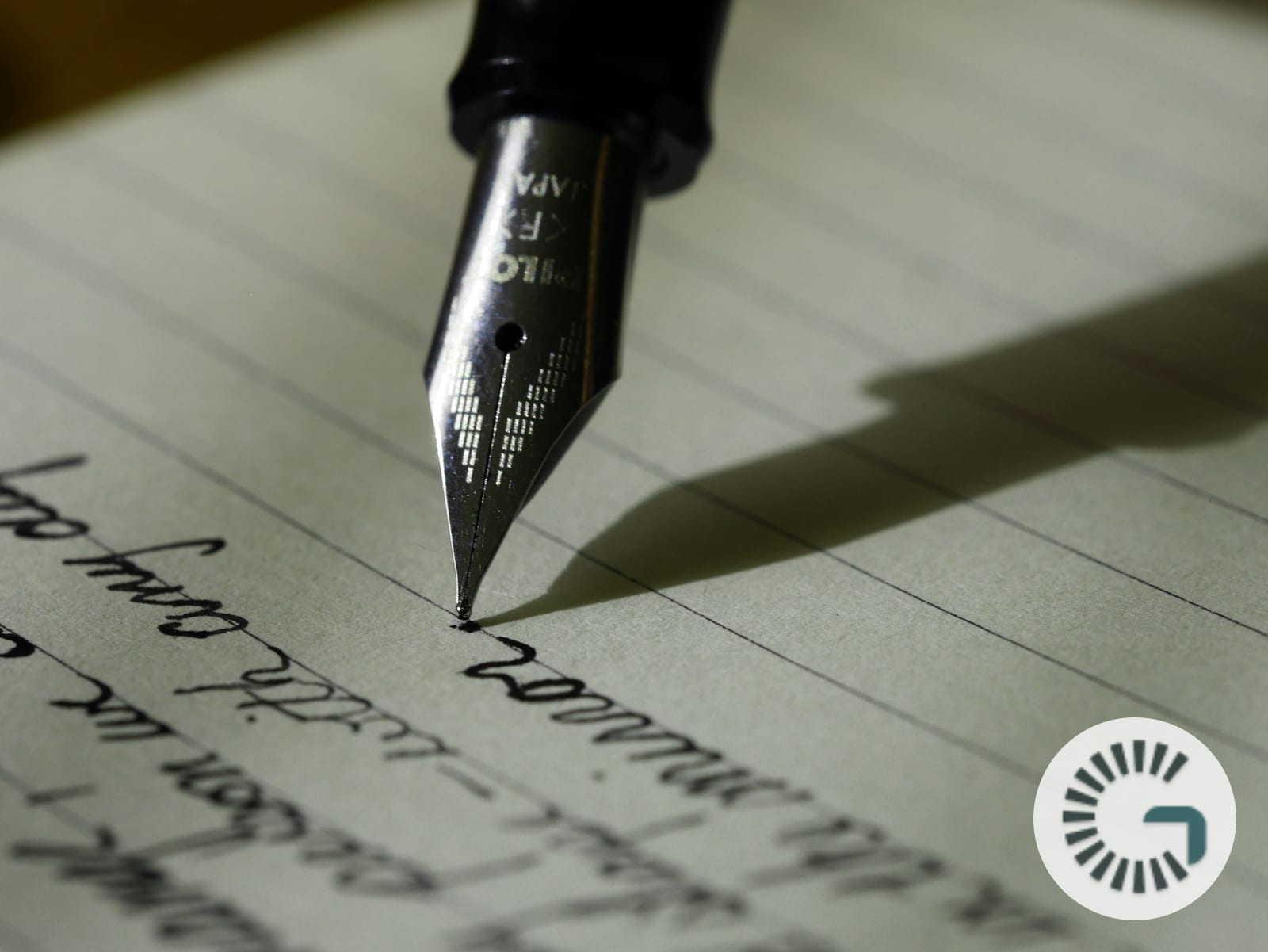
A 5,000-word document fits in a single GPTOne scan. The cap is 50,000 characters, about 8,000 words, so long essays and papers go through in one pass.
You can check up to 50,000 characters, about 8,000 words, in a single scan with GPTOne, free and with free credits on signup. That covers most long essays, research papers, chapters, and reports in one paste, so you do not have to slice a document into tiny pieces to test it. For anything past that, you split the text into two passes. Here is how to check long documents for AI properly, and why a single generous scan beats a dozen fragmented ones.
Free to try: Check text for AI · Detect AI images · Count words
Key Takeaways
- GPTOne scans up to 50,000 characters, about 8,000 words, in one pass, on a free account.
- Testing a whole document at once gives a more stable score than checking scattered fragments.
- 50,000 characters covers most essays, term papers, and single chapters without splitting.
- The detector reads ChatGPT, Claude, Gemini, GPT-5, Grok, and DeepSeek at 99.99% accuracy on clean text.
- A score is a signal, not proof; false positives rise on short snippets and non-native English writing.
Why a bigger single scan matters
Short character limits force a bad habit: chopping a long paper into 500-word chunks and scanning each one. That is not just tedious, it is less accurate. Detectors read statistical patterns across a passage, and the more text they see at once, the more stable the signal. Feed a tool three sentences and it guesses; feed it three thousand words and it has real evidence to work with.
So the practical value of a 30,000-character limit is not just convenience. It means you can test the way you should: the whole essay, in context, as one document. The free AI checker takes the full paste and returns one score for the piece, instead of you stitching together a dozen conflicting fragment results.
What 50,000 characters actually covers
Numbers help here. A typical page holds around 500 words. A standard 5-page essay is about 2,500 words. A 10-page term paper runs near 5,000 words. So 50,000 characters, which is about 8,000 words, covers the large majority of student and professional documents in a single scan. We break down page-to-word math in how many words is a 5-page essay.
For genuinely long work, a dissertation chapter or a 10,000-word report, you scan it in two passes and read the results together. That is still far faster than fragment-by-fragment checking, and it keeps each pass long enough to be reliable. For a workflow built around very long files, see checking long documents for AI.
How to check a long document the right way
Treat it as one job, not fifty. A simple process:
- Paste the full essay or paper, up to 50,000 characters, into the detector.
- Read the overall score first. That tells you how the document reads as a whole.
- If the score is high, look at which sections feel generic or templated, since those often drive the result.
- For documents over 5,000 words, split at a natural break, a chapter or major section, and scan each half.
- Weigh the result against context, not as a verdict. A borderline score on a real essay is common.
Done this way, you get a trustworthy read in under a minute, without the noise that fragment scanning creates.
The accuracy and honesty part
Here is the caveat that applies to every detector, ours included. GPTOne reports 99.99% accuracy on clean, unedited machine text. Real documents are messier, and lightly edited or mixed human-and-AI writing is harder to call. More importantly, false positives are real and uneven. According to a 2023 Stanford study published in Patterns00130-7), detectors wrongly flagged 61% of essays by non-native English writers as AI, versus about 5% for native speakers.
So use a long-document score to guide a closer read, never to accuse. This is also why longer scans matter: a single flagged sentence in a fragment can mislead you, while a full-document score smooths out that noise. We explain the mechanism in why AI detectors flag some human writing.
Why the character count, not the word count
You may notice the limit is in characters, not words, and there is a reason. Characters are exact; words vary with spacing and punctuation. Thirty thousand characters is a fixed, predictable ceiling the detector can enforce cleanly, and it maps to about 5,000 words for normal prose. If you want the precise word and character count of your text before scanning, the free word counter gives both instantly, entirely in your browser.
That pairing is handy. Check the length in the word counter, confirm it fits in one scan, then run it through the detector. Two free tools, a free account, no friction.
When to split, and how
Splitting is only needed past 50,000 characters, and doing it well keeps your results clean. Split at a real boundary, the end of a section or chapter, so each pass is a coherent stretch of writing rather than a sentence cut in half. Then read the two scores together: if both come back high, the document reads as AI throughout; if one half is clean and the other is flagged, you have found where to look.
Avoid the temptation to over-split. Every extra cut shortens the passage the detector sees and makes each score shakier. Two large passes beat ten small ones, every time.
Why many free detectors cap you far lower
It is worth knowing what you are usually up against. A lot of free detectors cap input at a few hundred or a couple thousand characters, then push you to a paid plan for anything longer. That cap is a conversion tactic, not a technical limit, and it is exactly why people end up fragment-scanning long papers. You paste an essay, hit the wall, and either pay or chop it up.
A 30,000-character free limit removes that friction. The text detector is fully free, with free credits on signup and this generous per-scan limit, and the image detector is free too, with a heatmap and provenance reading that rivals often paywall. According to reporting on detection tools, even large providers have acknowledged their classifiers are imperfect, which is part of why OpenAI retired its own text classifier in 2023. Generous, honest free access beats a low cap that exists mainly to sell an upgrade.
Pairing length checks with the scan
There is a simple habit that makes long-document checking smoother. Before you scan, drop your text into the free word counter to see the exact character and word count. If it is under 50,000 characters, you know it fits in a single pass. If it is over, the counter shows you by how much, so you can find a clean split point instead of guessing and hitting a limit mid-paste.
That small step saves you from the most common long-document annoyance: pasting a huge block, getting cut off, and not knowing where. Check the length first, then scan with confidence.
FAQ
How many words can I check for AI at once?
Up to about 8,000 words, or 50,000 characters, in a single free scan on GPTOne, with free credits on signup. Longer documents can be checked in two passes.
Is scanning a long document less accurate?
No, it is usually more accurate. Detectors read patterns across a passage, so a full essay gives a more stable score than short fragments do.
Does GPTOne have a word limit?
The per-scan limit is 50,000 characters, about 8,000 words, and it is free once you create an account. For longer files, split at a natural section break and scan each part.
Can it detect AI in a research paper?
Yes. It reads ChatGPT, Claude, Gemini, and other models across a full paper. Treat the score as a signal to review, not as proof, especially for non-native English writing.
Do I need to sign up to check a long document?
No. The scan is free once you create an account and no email, up to 50,000 characters per pass. You paste the text, read the score, and move on, with nothing to install or register.
The bottom line
A generous single scan beats fragment checking, and 50,000 characters covers most essays and papers in one pass. Test the whole document, read the score in context, and split only when you truly need to. Try GPTOne free at gptone.me/ai-scan.