Sora 2 video frame AI detector: How to identify AI-generated videos with frame-level analysis
 Sana Bano
·September 14, 2026
·15 min read
Sana Bano
·September 14, 2026
·15 min read

Use a sora 2 video frame ai detector to inspect clues, verify sources, and judge results responsibly.
Key Takeaways
Frame-level analysis can reveal visual inconsistencies that a quick full-video glance misses. Use detector scores as evidence, then check the file, source, and surrounding context before making a decision.
- Examine several representative frames instead of relying on one image.
- Separate visual artifacts from damage caused by compression or editing.
- Compare frame-level clues with motion and temporal consistency.
- Check metadata, publication history, and provenance where available.
- Treat a detector result as a probability, not definitive proof.
How Sora 2 video detection works at the frame level
A video is a sequence of still images joined by time. A Sora 2 video frame AI detector can therefore inspect individual frames for visual patterns, unusual textures, and inconsistencies that may suggest synthetic generation. That approach is useful, but it cannot explain the entire video by looking at one frame alone. You need to combine image-level evidence with motion, file history, and source context.
What a video frame AI detector examines
At the frame level, analysis may include edges, textures, color relationships, fine details, and the physical arrangement of objects. A detector can also look for patterns in noise or frequency information that are difficult to see with the naked eye. The result is generally a confidence estimate rather than a yes-or-no finding.
A useful frame is sharp enough to preserve detail and representative of the scene. A blurred transition, dark image, or heavily resized screenshot gives the analysis less reliable material to work with.
Why individual frames can reveal synthetic artifacts
Generative systems can produce convincing overall scenes while struggling with small relationships inside them. Fingers may merge, lettering may lose its shape, or a background object may change subtly between nearby moments. Those flaws can become easier to inspect when you pause the video and view the image without the distraction of movement.
This is why pixel-level frame analysis can still be helpful when visible markers have disappeared through screenshots or re-uploads. It does not recreate missing provenance, but it can preserve visual evidence that remains in the pixels.
How temporal consistency differs from image analysis
Image analysis asks whether one frame looks internally coherent. Temporal analysis asks whether the scene remains coherent as it changes: does an object keep its shape, do shadows move plausibly, and does the camera motion follow a consistent path? A frame can look realistic on its own while the sequence around it reveals abrupt geometry or identity changes.
For that reason, inspect adjacent frames whenever possible. A recurring anomaly across time is more informative than a single odd detail, especially when the video contains movement, reflections, or interactions between people and objects.
The role of metadata and provenance signals
Metadata can provide clues about how a file was created, exported, or edited, while provenance systems may record information about its origin and transformations. These signals are useful context, but they are fragile: a platform upload, screen recording, or editing program may remove or rewrite them.
Use metadata as one layer rather than a verdict. A missing marker does not prove that a video is authentic, and a present marker should still be interpreted alongside the visible content and the file’s publication history.
| Signal | What it can tell you | Main limitation |
|---|---|---|
| Frame appearance | Whether textures, edges, and details look unusual | Compression can create similar artifacts |
| Motion continuity | Whether objects and camera movement remain coherent | Requires multiple frames or the full clip |
| Metadata | How a file may have been exported or edited | It can be stripped or rewritten |
| Provenance data | Whether origin or edits were recorded | Not every file carries it |
The strongest assessment comes from combining these layers. None should be treated as conclusive when it stands alone.
Visual clues that may indicate a Sora 2-generated video
Visual inspection is a practical first pass, especially when you do not have the original file or a trusted source. You are looking for relationships that fail to hold together, not simply for an image that feels polished or unusual. Many authentic videos contain blur, strange lighting, or compression, so each clue needs context.
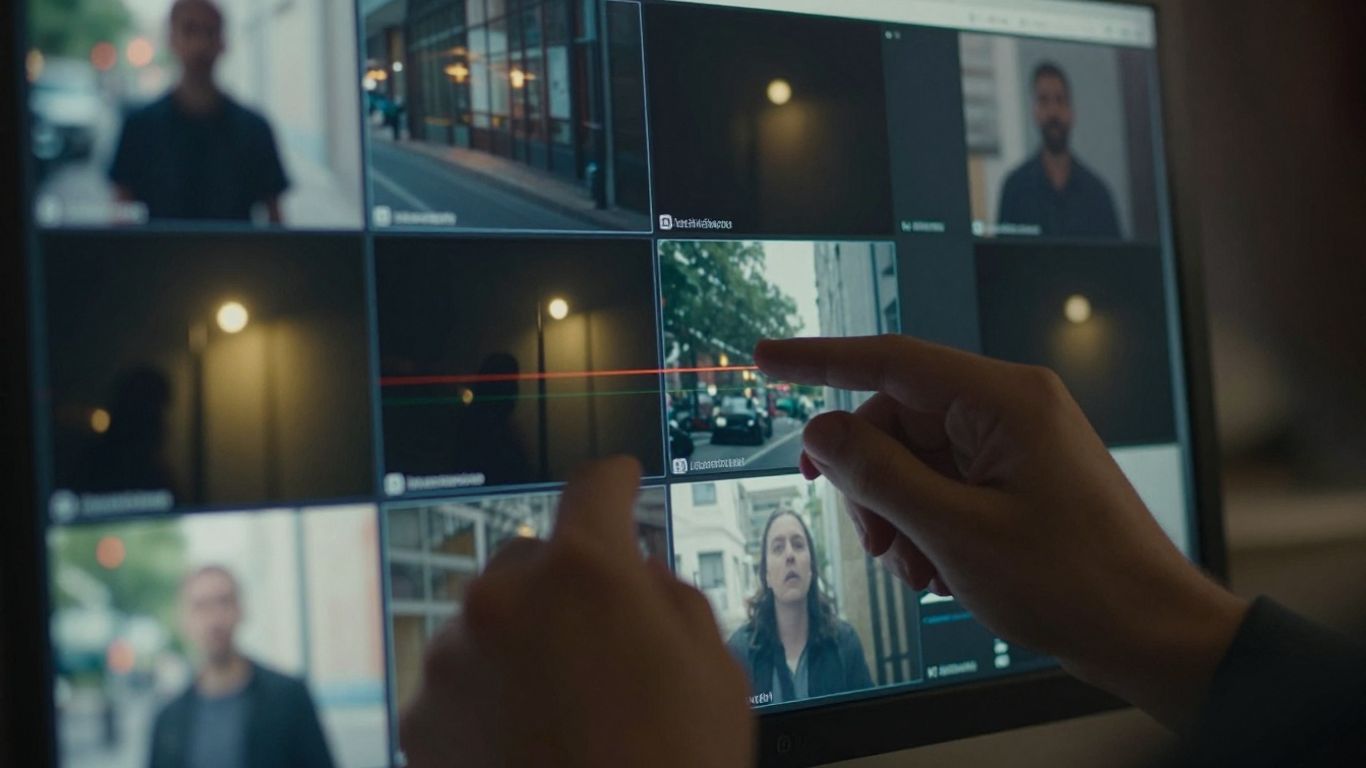
Unnatural motion and object interactions
Watch how objects accelerate, stop, collide, and respond to one another. A hand may appear to pass through an item, a person may shift weight without a believable change in posture, or a rigid object may bend as though its shape were being reconstructed. These moments are easier to spot when you slow playback and compare neighboring frames.
Do not assume every strange movement is synthetic. Staged camera work, rolling-shutter effects, dropped frames, and ordinary motion blur can produce convincing false alarms.
Inconsistent faces, hands, text, and fine details
Faces may change subtly between frames, particularly around hair, teeth, eyeglasses, or the outline of the jaw. Hands and fingers deserve close attention because their shapes and contact with nearby objects can be inconsistent. Text on signs, screens, or clothing may also drift, merge, or lose legibility.
Look for a pattern rather than a single malformed detail. One soft frame is weak evidence; repeated identity changes or impossible lettering across a sequence is more meaningful.
Lighting, shadows, and reflections that do not align
Light should generally behave consistently with the scene. Compare the direction of a cast shadow with the apparent light source, and check whether reflections follow the surfaces that are supposed to create them. Water, glass, polished metal, and windows can expose mismatches because they require several visual relationships to agree at once.
Real footage can still contain mixed lighting, artificial reflections, and clipped highlights. Your question is not whether the lighting is attractive or cinematic, but whether the parts of the scene obey the same basic conditions.
Camera movement and scene transitions to inspect
Camera movement can reveal problems that remain hidden in a static frame. Track the horizon, nearby edges, and the relative movement of foreground and background objects. Sudden changes in perspective, a warped doorway, or a background that seems to stretch during a pan may deserve closer review.
Transitions also need separate attention. A cut, dissolve, speed change, or stabilization pass can make two adjacent moments look inconsistent without implying synthetic generation. Identify the edit first, then judge what happens within each uninterrupted shot.
How to use a Sora 2 video frame AI detector
A detector works best when you give it suitable material and keep a record of what you submitted. Our what Reddit actually recommends covers this in detail. Start with the original video if you have it, rather than a messaging-app copy or screen recording. Then select frames that cover different scenes, lighting conditions, and levels of motion.
Extracting representative frames from a video
You can extract still images at regular intervals or capture moments where something important happens. Include both ordinary frames and frames near a suspected artifact, since a detector may respond differently to a clean background and a complex interaction.
A simple working set might include:
- An early frame from the first uninterrupted shot.
- A middle frame with clear faces, objects, or text.
- A later frame from a different lighting or camera position.
- One or two frames surrounding the suspected inconsistency.
This small set gives you coverage without pretending that one selected image represents the entire clip. After extraction, keep the frame files unchanged and note their timestamps so your review can be repeated.
Choosing frame intervals and key moments
Regular intervals help prevent selection bias, but fixed spacing alone can miss a brief distortion. Add key moments where an object changes direction, a person turns, text becomes visible, or the camera crosses a complex background. Sharp, well-lit frames usually provide more useful visual information than blurred transition frames.
If the clip is short, examine it densely. For a longer video, sample each distinct shot and then increase the sampling around any suspicious passage.
Uploading frames and interpreting detector results
When you upload a still frame to the GPTOne AI Image Detector, treat the output as an assessment of that image, not an authorship certificate for the entire video. The documented analysis can use visual and frequency-based signals, metadata, generator fingerprints, and provenance checks, with results that may include a confidence score and region heatmap.
Read the score together with the highlighted regions and the frame’s quality. A high-confidence result in a detailed, original frame is worth investigating, but it still needs comparison with neighboring frames and source evidence. Context makes the score useful because the same visual irregularity can have different explanations.
Comparing frame-level findings with whole-video analysis
Frame results answer a narrow question: what appears unusual in this image? Whole-video review adds continuity, timing, sound, editing, and scene-level context. Compare the detector’s highlighted regions with the moments you noticed during playback, then record whether the same signal appears repeatedly.
A mismatch between one frame and the surrounding sequence is not automatically a contradiction. It may reflect blur, a cut, a color grade, or a change in resolution. The purpose of comparison is to understand the evidence, not to force every tool to agree.
How accurate are AI video detectors?
Accuracy depends on the detector, the material it was trained or tested on, and the file presented for analysis. Synthetic video generation changes quickly, while real footage passes through many cameras, codecs, platforms, and editing workflows. A result that performs well in one setting may be less dependable in another.
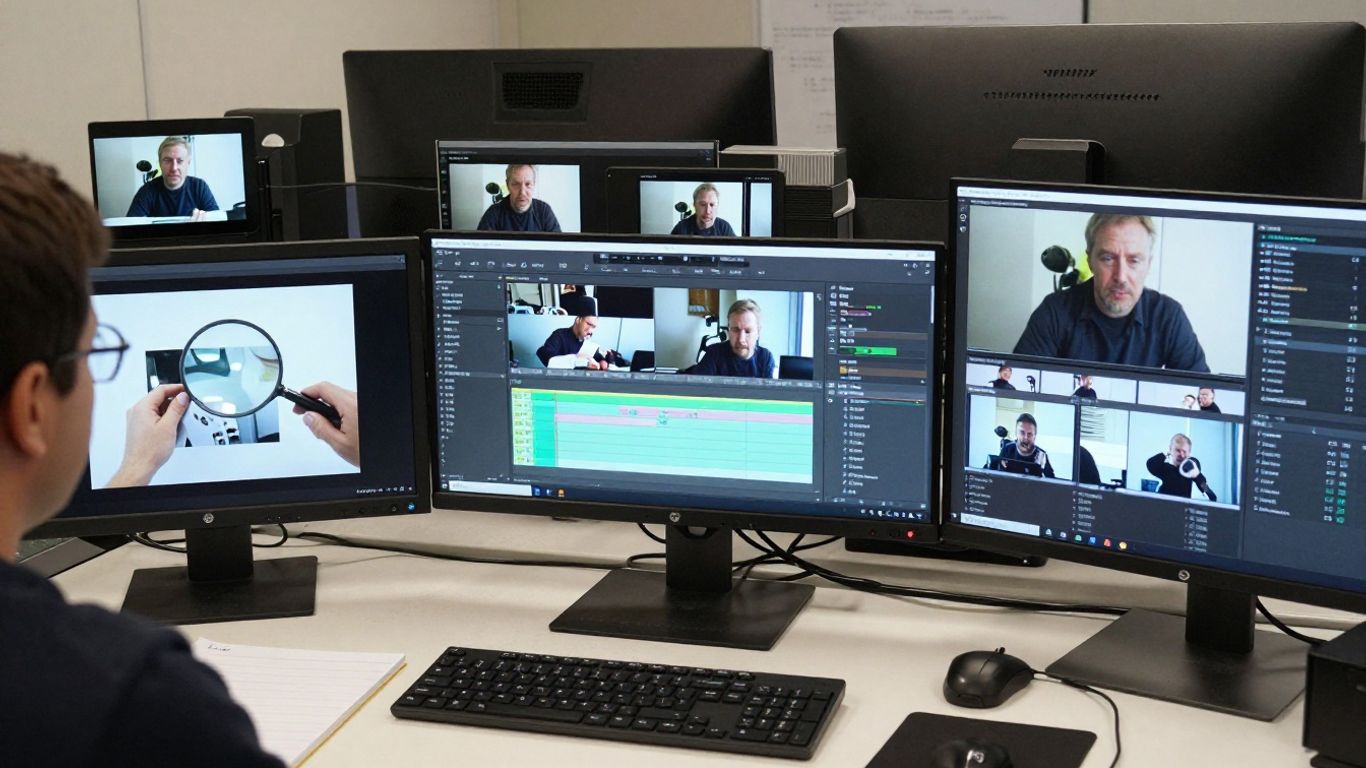
Why detection results are probabilistic
A detector identifies patterns associated with generated or manipulated media; it does not observe the complete history of a file. Its confidence reflects how closely the submitted material matches those patterns. That is useful evidence, but it is not proof of who created the video or how it was made.
You should also distinguish between “likely synthetic,” “uncertain,” and “likely authentic.” These categories support further review. They should not be converted into absolute claims without corroborating evidence.
Common false positives in compressed or edited footage
Compression can introduce blockiness, ringing, smeared textures, and color banding. Cropping, sharpening, denoising, frame interpolation, stabilization, and repeated exports can alter the same visual signals a detector examines. A real clip that has traveled through several platforms may therefore look less like its original source.
The GPTOne AI Image Detector is documented for image authenticity analysis, not as a definitive whole-video judge. If you use it on extracted frames, preserve the original video and describe the result accurately as frame-level evidence.
How resolution, frame rate, and file quality affect results
Low resolution removes the small details that help both humans and automated systems. A high frame rate may provide more moments to inspect, while a low frame rate can hide the transition where an artifact occurs. Frame extraction itself can also introduce scaling or recompression.
Whenever possible, work from the highest-quality file available and record its dimensions, frame rate, and format. If you must use a reduced copy, lower your confidence in any conclusion drawn from subtle texture or edge patterns.
Why no single detector should be treated as definitive
A detector can miss generated content, flag authentic footage, or disagree with another method. Different systems may focus on different signals, and a video may contain both untouched and edited sections. A careful review therefore combines automated output with visual inspection, provenance, source research, and temporal analysis.
The most responsible wording is proportional to the evidence. Say that a frame contains signals consistent with synthetic generation when that is what you know; do not state that a person created or falsified the video unless independent evidence supports it.
How to verify a detector’s findings
Verification begins after the score appears. You are trying to reconstruct where the file came from, what happened to it, and whether independent evidence supports the detector’s interpretation. This process is slower than a single upload, but it is far safer for journalism, moderation, research, and disputes.
Checking the original source and publication history
Find the earliest accessible version and compare it with later copies. Look for differences in duration, framing, audio, captions, and visible edits. A reputable source, contemporaneous reporting, or a creator’s original upload can provide useful context, although publication history alone does not guarantee authenticity.
Record the URLs, timestamps, account names, and download conditions. If the video has been reposted repeatedly, note where the chain becomes uncertain.
Reviewing file metadata and editing traces
Inspect the container, codec, creation fields, dimensions, and export history when those details are available. Editing traces can explain a visual anomaly or reveal that the file is a derivative rather than the claimed original. Be careful with timestamps because software and platforms may reset them.
Metadata is strongest when it agrees with the source history and the visible content. Treat an empty or inconsistent metadata record as a reason to investigate, not as proof of deception.
Comparing results across multiple frames and tools
Repeat the analysis on frames from separate scenes and on both ordinary and suspicious moments. Look for consistent patterns in the locations highlighted and compare them with your own observations. If a result appears only on a heavily compressed frame, its evidentiary value is limited.
You can also use a second kind of review, such as close visual inspection or a provenance check, without assuming that disagreement means one method is automatically correct. Different methods answer different questions.
Using content credentials and other provenance systems
Content Credentials and related provenance systems can record origin and editing information when they are present and intact. They are especially useful as a complement to pixel analysis because they describe file history rather than only visual appearance. However, screenshots, re-encoding, and re-uploads may remove that information.
Use provenance as a strong supporting signal when it is verifiable. Pair it with the original source, file history, and frame-level findings rather than treating it as a replacement for all other checks.
Best practices for responsible AI video analysis
The goal of analysis is not merely to label a clip. It is to make a defensible judgment while limiting harm to people whose faces, work, or reputations may be involved. Your process should be repeatable, privacy-conscious, and clear about uncertainty.
Distinguishing suspicion from proof
Use cautious language that matches the evidence. “This frame contains artifacts associated with synthetic imagery” is different from “This video is fabricated.” The first describes an observation; the second makes a broader claim that requires more support.
Before escalating a result, ask whether an ordinary explanation, compression, editing, lighting, camera limitations, or a misleading crop, fits the evidence. This step helps reduce false accusations.
Protecting privacy when uploading video frames
Frames can contain faces, license plates, private interiors, medical information, or confidential documents. Crop only when doing so does not remove the relevant evidence, and avoid uploading sensitive material to services without understanding how it is handled. Keep local copies secure and delete temporary extracts when the review is complete.
For especially sensitive investigations, prefer workflows that minimize sharing and preserve the original file offline. Privacy is part of reliable verification, not an optional extra.
Documenting evidence for journalism or moderation
Create a simple evidence log with the source, download date, file hash if available, selected frame timestamps, detector outputs, screenshots, and your interpretation. Note which conclusions are direct observations and which are inferences. If another reviewer cannot reproduce the path you took, the result is harder to evaluate.
When action affects a person’s account, reputation, or access, provide an opportunity for appeal and human review. Automated confidence should inform that process, not silently replace it.
Updating detection methods as video generators evolve
Detection methods must change as generation quality, editing tools, and distribution platforms change. Review false positives and missed cases, refresh your sampling guidance, and avoid treating an old visual checklist as permanent. The same artifact may become less common, while new weaknesses appear elsewhere.
Keep your workflow flexible: preserve originals, compare multiple frames, monitor provenance, and reassess thresholds when the underlying media environment changes. That combination is more durable than reliance on one score or one visual tell.
Conclusion
A Sora 2 video frame AI detector can help you inspect individual images for signals that deserve attention, but reliable verification requires more than a confidence score. Extract representative frames, compare them across time, review file and source history, and communicate uncertainty clearly. Used this way, frame-level analysis becomes a careful part of media verification rather than a shortcut to an unsupported verdict.
Frequently Asked Questions
Can one video frame prove that a video is AI-generated?
No. One frame can contain useful clues, but it may also be affected by blur, compression, lighting, or editing. Review multiple frames and corroborating evidence before drawing a broad conclusion.
What makes a frame useful for AI video analysis?
A sharp, well-lit frame with visible details and limited motion blur is usually more useful. Frames showing faces, hands, text, reflections, or object interactions can provide additional areas for inspection.
Should you analyze every frame in a video?
Usually not. Start with regular sampling across each shot, then add frames around transitions or suspicious moments. Dense analysis may be appropriate for a short or high-stakes clip.
Can compression cause a false positive?
Yes. Repeated exports, platform encoding, sharpening, and resizing can create textures or edge patterns that resemble synthetic artifacts. Always consider the file’s quality and history.
How do metadata and provenance help?
They can provide information about a file’s creation, editing, or recorded origin. Their absence does not prove manipulation, and their presence should be checked against the source and visual evidence.
Is a detector score the same as certainty?
No. A score is a confidence signal based on the evidence available to the system. It should guide further review rather than serve as definitive proof.
What should you do before reporting a suspicious video?
Preserve the original file, record its source and timestamps, inspect several frames, and seek independent corroboration. Use careful language that separates observed artifacts from claims about intent or authorship.