Sora 2 video frame AI detector: How to identify AI-generated video reliably
 Sana Bano
·September 8, 2026
·18 min read
Sana Bano
·September 8, 2026
·18 min read
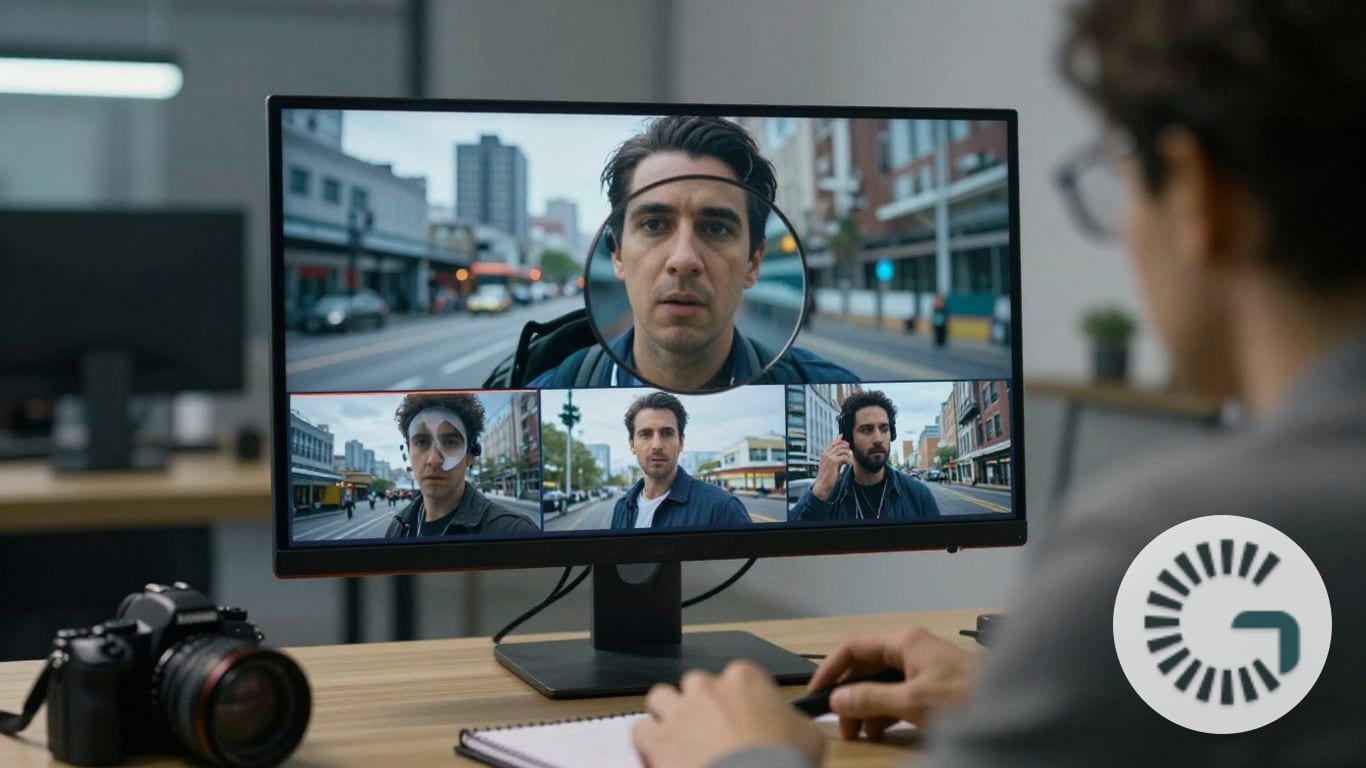
Use a sora 2 video frame ai detector to assess clues, provenance, and uncertainty responsibly.
Key Takeaways
A single frame can provide useful clues, but it cannot establish the origin of a video on its own. You will get a more dependable assessment by combining visual inspection, provenance checks, several frames, and cautious interpretation of detector results.
- Examine appearance, motion clues, geometry, lighting, and fine details together.
- Treat compression, screenshots, and resizing as sources of uncertainty.
- Compare multiple frames instead of relying on one unusually clear or strange image.
- Check C2PA or other provenance information when the original file is available.
- Use detector scores as evidence, not as conclusive proof.
What a Sora 2 video frame AI detector analyzes
A sora 2 video frame ai detector typically looks for patterns that are difficult to maintain consistently across a generated sequence. In a still frame, that may include texture, geometry, lighting, and tiny details that look plausible individually but less convincing together. A careful review also asks whether the scene behaves like a captured physical environment rather than treating one visual oddity as a verdict.
Visual patterns that may indicate synthetic generation
Synthetic imagery can show overly smooth surfaces, repeated textures, unusual edge transitions, or details that seem carefully rendered but not naturally formed. You might notice a background that is sharp in one area and strangely soft in another, or skin and fabric with an almost painted quality. These clues are useful starting points, not a checklist that proves a frame was generated.
Research on detecting videos like Sora commonly separates appearance, motion, and geometry because each reveals a different kind of inconsistency. This research on AI video detection is a useful reminder that visual inspection works best when you consider several signal families together.
Motion consistency across individual frames
A single frame cannot show motion directly, but it can preserve evidence of motion that has just occurred. A foot may appear planted at an awkward angle, a hand may be midway between two positions, or a trailing object may not align with the movement implied by its surroundings. When you inspect neighboring frames, these small discontinuities become more meaningful than any one frozen detail.
A detector may therefore compare temporal patterns across a clip even when your first question concerns one frame. If you only have a screenshot, record that limitation clearly rather than assuming the missing sequence would support your first impression.
Lighting, reflections, and material behavior
Lighting gives you a practical way to test whether the scene is internally consistent. Look at the direction and softness of shadows, then compare them with highlights on glass, metal, water, skin, and polished surfaces. Reflections that contain the wrong object, omit a nearby light source, or change without a physical reason can raise suspicion.
These observations are especially helpful in busy scenes, where a generated frame may get the broad composition right while missing relationships between materials. They still need context: glare, autofocus, lens flare, and low-light noise can create odd-looking results in ordinary footage too.
Text, faces, hands, and fine details
Text and logos often expose instability because letters must remain both legible and geometrically consistent. Faces may show asymmetry, odd teeth, or changing accessories, while hands can contain uncertain finger shapes and joints. Fine details in crowds, jewelry, hair, and distant objects deserve the same scrutiny, though blur and motion can make real footage look imperfect.
You should compare the suspect detail with the rest of the frame before drawing a conclusion. A single malformed letter may be a rendering error, a compression artifact, or a genuine sign of synthesis; its value increases when several unrelated details fail in the same direction.
Why detecting AI-generated video from one frame is difficult
One frame gives you a narrow slice of a much larger event. It removes timing, sound, camera movement, and the surrounding frames that might confirm or contradict what you see. That makes a still useful for triage, but weak as a standalone basis for a serious accusation.
The file’s history matters as well. A screenshot, social-media download, screen recording, or re-encoded export may have removed both visual information and provenance data. The following image illustrates why a careful workflow has to distinguish the visible pixels from the file evidence that once accompanied them.
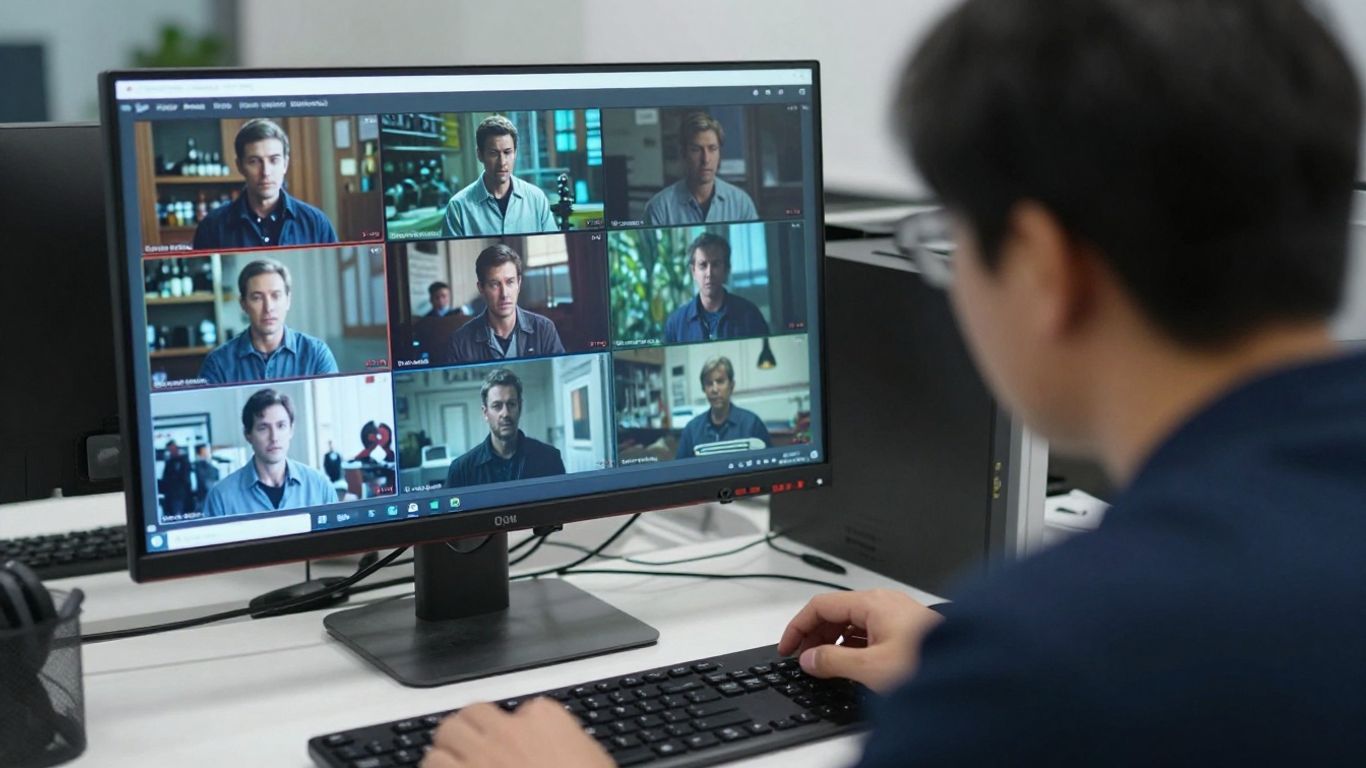
The limits of single-frame analysis
A frame can show anatomy, object relationships, texture, and lighting, but it cannot tell you reliably how the scene developed before or after that instant. A perfectly ordinary frame may come from a generated video, while a bizarre-looking frame may come from a fast pan, a dropped frame, or an unusual lens effect. Your conclusion should therefore describe what the frame suggests, not what it proves.
For a broader visual-authenticity workflow, you can review this guide to how AI image detection works. Its discussion of physical consistency and signal interpretation also explains why a still image needs more than one kind of clue.
Compression, resizing, and screenshots
Each processing step can erase or reshape the evidence a detector might use. Compression smooths noise and introduces block patterns; resizing changes edges; screenshots may add display artifacts and remove the original file structure. If you are reviewing a reposted clip, note its source and preserve the copy you received before making further edits.
The practical effects are easy to confuse with synthetic artifacts. A jagged logo, softened face, or strange color band may reflect encoding rather than generation, especially when the image has been enlarged or captured from a screen.
Natural video artifacts versus AI artifacts
Real cameras produce sensor noise, rolling-shutter distortions, lens aberrations, focus hunting, and exposure shifts. Real editing can add transitions, frame interpolation, stabilization, or color grading. None of these automatically indicates AI generation, so you should ask whether the artifact follows a plausible camera or editing process.
A useful comparison is consistency. Natural artifacts often relate to the whole image or to a predictable camera event, while synthetic problems may affect one object’s geometry or alter a detail without affecting its surroundings. That distinction is not absolute, but it can improve your review.
Why detector results are probabilistic
Detection systems estimate the strength of signals associated with synthetic or authentic content. They do not generally observe the act of creation, identify the person who made a file, or establish intent. A high score can justify further checking, while a low score can reduce suspicion without eliminating it.
You should preserve the original file, source information, and your own observations alongside any result. Context matters more than a score alone, particularly when the material could affect someone’s reputation, employment, education, or legal position.
How to inspect a Sora 2 video frame manually
Manual inspection is most useful when you slow down and test relationships rather than hunting for one dramatic flaw. Start with the main subject, move outward to the background, and then compare the frame with nearby moments in the clip. This approach helps you separate genuine inconsistencies from visual noise.
A structured review is also easier to explain to someone else. Instead of saying that a frame “looks fake,” describe the specific mismatch, the alternative explanation, and what additional evidence would resolve it.
Check facial features and body proportions
Study eyes, ears, teeth, hairlines, fingers, and joints at the same scale. Then compare the subject’s proportions with clothing, furniture, doors, or other objects whose size is easier to estimate. Generated imagery may produce a convincing face while quietly changing the width of a wrist or the position of an elbow.
Do not treat normal asymmetry as suspicious by itself. Human faces and bodies are not perfectly balanced, and blur can hide real detail. Look for several related irregularities before assigning weight to the observation.
Examine backgrounds and object relationships
Backgrounds often receive less attention than the central subject, which makes them valuable for review. Check whether chairs meet the floor, whether distant people have coherent bodies, and whether objects overlap in a physically sensible order. Ask whether a reflected or partially hidden object should continue behind an obstruction.
You can write down each relationship that seems wrong and then inspect the source frame again. This simple pause reduces the risk of building an entire conclusion around a mistaken first glance.
Look for inconsistent shadows and reflections
Trace shadows back to their likely light sources and compare their direction, softness, and length. Reflections should respond to the shape and position of the surfaces that produce them. A window, puddle, or glossy table can reveal a mismatch that is easy to miss in the main subject.
Still, lighting changes naturally when clouds pass, exposure shifts, or multiple lights are present. Your strongest observations are usually the ones that contradict several visible parts of the scene at once.
Compare repeated details across nearby frames
Choose a small feature that should remain stable, such as a logo, earring, railing, facial mark, or background sign. Check it across several adjacent frames rather than jumping randomly through the video. If its shape, position, or lettering changes without a matching movement, that is more informative than a flaw visible in only one compressed frame.
Record the frame numbers or timestamps as you work. A simple evidence log makes later discussion more precise and prevents your memory from smoothing over differences.
How to use an AI video detector effectively
A detector can help prioritize review, but the quality of the input and the breadth of the sample affect how useful its output will be. You should keep the original clip when possible, extract frames without unnecessary edits, and document where each frame came from. The goal is not to force certainty from a tool; it is to combine signals in a transparent way.
If your workflow already includes image verification, GPTOne’s AI Image Detector can assess whether an image appears real, AI-generated, or AI-modified and may provide a confidence score and heatmap. That capability applies to image analysis, so a video-frame workflow should still be described honestly as an analysis of extracted images rather than as proof about the entire clip.
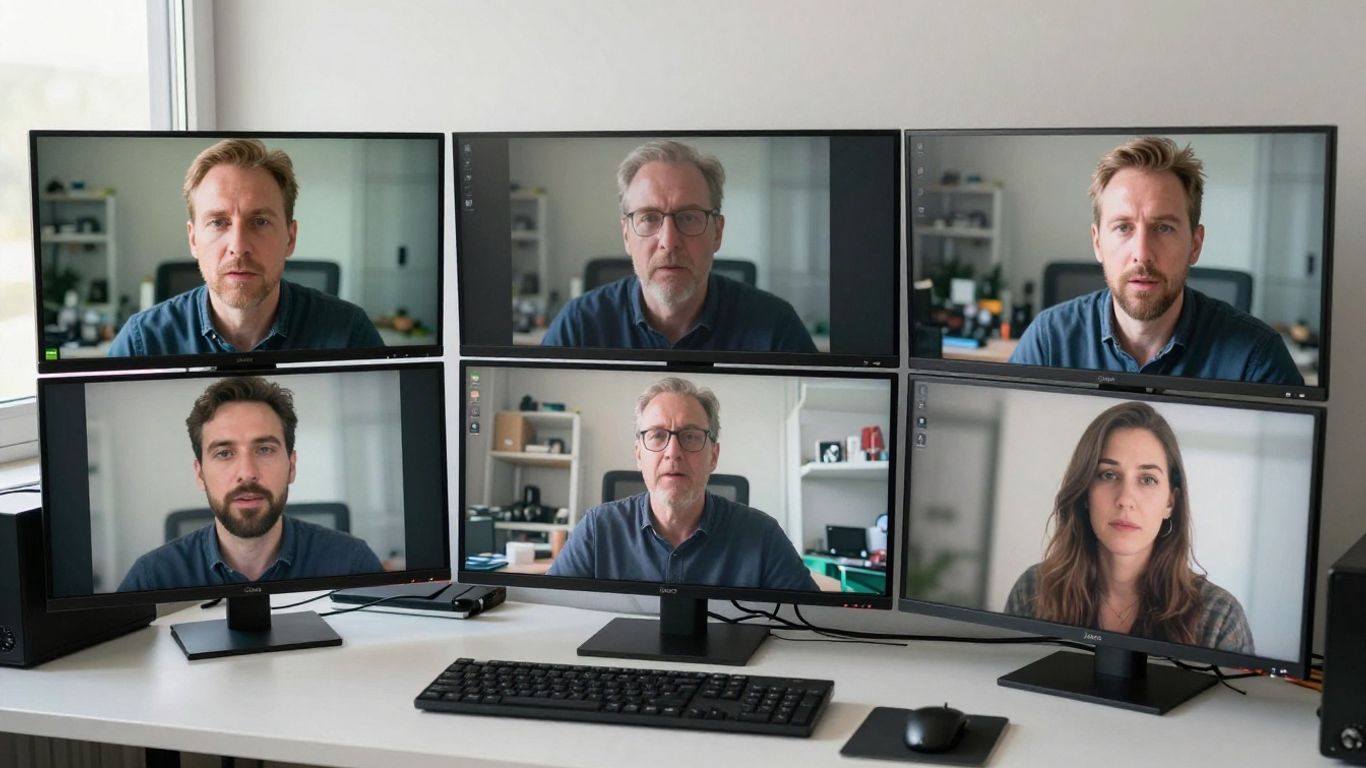
Uploading the clearest available frame
Use a frame that is large enough to preserve facial features, text, edges, and material detail. Avoid adding sharpening, filters, or artificial enlargement before analysis because those changes can create patterns that were not in the source. Keep an untouched copy beside any working version.
If the frame came from a screenshot or a messaging app, label it that way. A clear-looking image can still be a poor forensic input when its pixels have already been altered several times.
Testing multiple frames from the same clip
Select frames from the beginning, middle, and end, then add moments where the subject turns, speaks, handles an object, or passes behind something. This gives you a better sample of transitions and reduces the chance that one unusual frame controls the outcome.
A compact sampling plan can keep the process repeatable:
- Choose a clean opening frame with the main subject visible.
- Add a transition where movement or interaction occurs.
- Sample a visually complex moment with text, reflections, or crowds.
- Include a later frame to test whether details remain stable.
Afterward, compare the results rather than simply counting positive flags. Agreement across meaningful moments is more useful than several nearly identical frames from one easy section.
Combining frame analysis with full-video review
Full-video review restores information that a still cannot provide, including lip movement, object continuity, camera behavior, and changes in lighting. Watch the clip at normal speed first, then use slow playback around any suspicious transition. Sound and editing context can also explain apparent visual mismatches.
Frame results should support that review, not replace it. When the two disagree, preserve both observations and investigate the source, encoding history, and exact timestamps before escalating the claim.
Interpreting confidence scores responsibly
A confidence score expresses how strongly the analyzed input matches a system’s learned signals; it is not a percentage chance that a particular person generated the video. Scores from different tools are not automatically comparable, and a threshold that works for one file type may not work for another.
Use plain language in your notes: “the frame showed signals associated with synthetic imagery” is more defensible than “the detector proved this video is AI.” This distinction matters especially in journalism, education, hiring, moderation, and legal review.
Common signs that a video may be AI-generated
Visual clues can help you decide where to look more closely, but none is universal. Some generated videos avoid familiar defects, while ordinary footage can contain the same apparent problems because of motion blur, poor encoding, or deliberate editing. Treat signs as prompts for verification rather than as a verdict.
The strongest case usually comes from several independent mismatches appearing together. You should also consider the source, date, editing history, and whether the scene was captured under conditions that naturally produce distortion.
Unstable text and logos
Letters may wobble, merge, or change shape as the camera moves. Logos can lose spacing, gain extra marks, or appear mirrored in a reflection that does not match the original. These details deserve a second look because text has strict visual structure and is easy to compare across frames.
However, low resolution and compression can break real lettering too. Check whether the distortion follows the whole image or is isolated to the text before treating it as evidence.
Unnatural object transitions
Objects may seem to merge, disappear, or change material as they pass behind another object. A hand can enter a pocket without a believable occlusion, or a utensil can connect to a surface at the wrong angle. These transitions are especially revealing when they occur during a continuous movement.
Pause before and after the transition and describe what should have remained visible. That physical expectation gives your observation a stronger basis than a general feeling that the edit looks strange.
Inconsistent physics and motion
Watch for weightless movement, impossible acceleration, rigid hair in strong wind, liquid that fails to respond to motion, or shadows that lag behind their objects. Generated footage may approximate the broad action while missing the timing and resistance that make it feel physical.
Real footage can also look impossible when filmed with a fast shutter, unusual frame rate, or stabilization. Look for corroborating evidence in several objects before deciding that the motion is synthetic.
Repeating textures and background details
Patterns in brick, foliage, crowds, windows, and fabric may repeat too neatly or change in place. A distant face may resemble its neighbor, or a row of objects may lose its spacing as the camera moves. These repetitions are easiest to spot when you compare areas that should contain natural variation.
The AI image authenticity guide offers a useful visual habit here: inspect both the obvious subject and the less noticeable regions around it. For video, extend that habit across time as well as across the frame.
How to improve Sora 2 video detection accuracy
Accuracy depends on more than the detector itself. Input quality, frame selection, provenance, and human judgment all affect whether a signal is meaningful. A careful workflow makes those conditions visible instead of hiding them behind a single label.
You should also preserve uncertainty. If the available evidence is a screenshot with no source history, the correct outcome may be “unable to verify,” not a forced real-or-AI decision.
Use original files instead of downloaded copies
Whenever possible, request the original video file or the earliest available export. Reposts may resize, crop, re-encode, add overlays, or remove metadata. Keep the original untouched and make analysis copies only when needed.
If you have several versions, compare their dimensions, timestamps, encoding details, and visible edits. Differences between copies can explain why two analyses produce different signals.
Sample frames at meaningful points
Random sampling is better than looking at one frame, but meaningful sampling is better still. Include scene changes, close interactions, fast movement, reflections, text, and moments where an object becomes partially hidden. These are the places where temporal and geometric inconsistencies are most likely to appear.
Write down why each frame was selected. That small record makes the process reproducible and prevents cherry-picking only the frames that support an early suspicion.
Preserve metadata when possible
C2PA Content Credentials and related provenance information can offer useful context when they remain attached to the original file. You should not assume that every Sora 2 frame carries intact C2PA credentials, nor that a missing credential proves anything. A screenshot normally preserves visible pixels but not the source file’s embedded provenance metadata, so credentials may not survive the capture.
Metadata can also be stripped during export or platform processing. Treat it as one layer of evidence alongside the pixels, source history, and frame-to-frame behavior.
Compare detector findings with human review
Use a detector to identify patterns worth examining, then have a person check the relevant regions and timestamps. GPTOne presents detection results as confidence signals and evidence rather than definitive proof, a framing that is appropriate when visual authenticity may affect another person.
A strong review records the input, the result, the observed clues, plausible alternative explanations, and the next verification step. That is more useful than saving only a red or green label.
The limitations and ethics of AI video detection
AI detection can help you investigate questionable media, but it can also create harm when uncertainty is ignored. A mistaken accusation can affect a student, journalist, job applicant, creator, or witness. The more serious the consequence, the more your process should rely on source evidence and human review rather than a single automated result.
Privacy and consent matter too. A video may contain faces, private locations, confidential work, or sensitive events, even when the person uploading it has a legitimate reason to investigate it. Minimize what you share and retain only what your review requires.
False positives and false negatives
A false positive occurs when authentic footage is flagged as synthetic; a false negative occurs when generated footage is missed. Compression, unusual cameras, heavy editing, new generation methods, and unfamiliar content can all affect performance. No detector should be treated as equally reliable across every format and situation.
When a result conflicts with credible source evidence, investigate the conflict instead of automatically trusting the score. Independent confirmation may include the original uploader, earlier versions, camera records, or corroborating footage.
Privacy concerns when uploading video
Before uploading a frame or clip, check what information it contains and how the service handles submitted data. Crop only when cropping will not remove relevant context, and avoid sharing identifiable material unnecessarily. For sensitive cases, local or browser-based analysis may reduce exposure, but you should still review the tool’s stated workflow and retention practices.
You also need to consider secondary copies. Screenshots, exports, browser caches, and shared reports can all extend the life of sensitive material beyond the initial review.
Copyright and consent considerations
A video may be copyrighted even when you are analyzing it for a legitimate purpose. Faces and voices may also involve consent, publicity, or privacy rights. Detection does not grant permission to republish, distribute, or identify people in the footage.
Keep your use narrow and document why the material was reviewed. If you need to publish a finding, consult the relevant legal or editorial policy rather than presenting a detector output as ownership or authorship evidence.
When detector results should not be treated as proof
A score alone should not decide whether someone is disciplined, denied employment, reported publicly, or accused of fraud. The deepfake verification guide similarly emphasizes layered checks, context, and human observation rather than certainty from one automated signal. Use detector results to direct questions and request better evidence.
If the evidence remains incomplete, say so plainly. “The available frame contains indicators consistent with synthetic generation, but the source cannot be verified” is a more responsible conclusion than an absolute claim.
Conclusion
A Sora 2 video frame can offer valuable visual clues, but reliable identification requires more than a striking artifact or confident score. Preserve the original, inspect meaningful frames, check provenance when available, compare the detector’s signals with human review, and explain uncertainty clearly. That approach gives you a fairer and more useful assessment of whether the footage may be AI-generated.
Frequently Asked Questions
Can one frame prove that a video was AI-generated?
No. One frame can reveal suspicious visual patterns, but it cannot establish how the video was created. You need additional frames, source information, provenance, or other independent evidence for a stronger assessment.
What should you inspect first in a suspicious frame?
Start with text, faces, hands, object boundaries, shadows, reflections, and background relationships. Then compare those details with nearby frames to see whether they remain stable during movement.
Do Sora 2 frames always include C2PA credentials?
You should not assume that every frame has intact C2PA credentials. Provenance information may be absent, stripped during export, or lost when a frame is captured as a screenshot.
What survives when you screenshot a video frame?
The visible pixels usually survive, although they may include display or compression artifacts. Embedded file metadata and provenance credentials generally do not survive as part of an ordinary screenshot.
Are unusual lighting or blurry details proof of AI generation?
No. Cameras, lenses, editing software, low light, and compression can all create unusual lighting or blurred details. Treat them as clues that need comparison and context.
How many frames should you test?
There is no universal number, but you should sample more than one meaningful moment. Include opening, middle, and later frames, plus transitions or interactions where inconsistencies are most likely to appear.
How should you report an uncertain detector result?
Describe the input, the observed signals, the confidence result, and the limits of the evidence. Avoid claiming certainty when the file is compressed, the source is unknown, or the result conflicts with other credible information.