AI image detector: How to identify AI-generated images accurately
 Sana Bano
·September 17, 2026
·21 min read
Sana Bano
·September 17, 2026
·21 min read
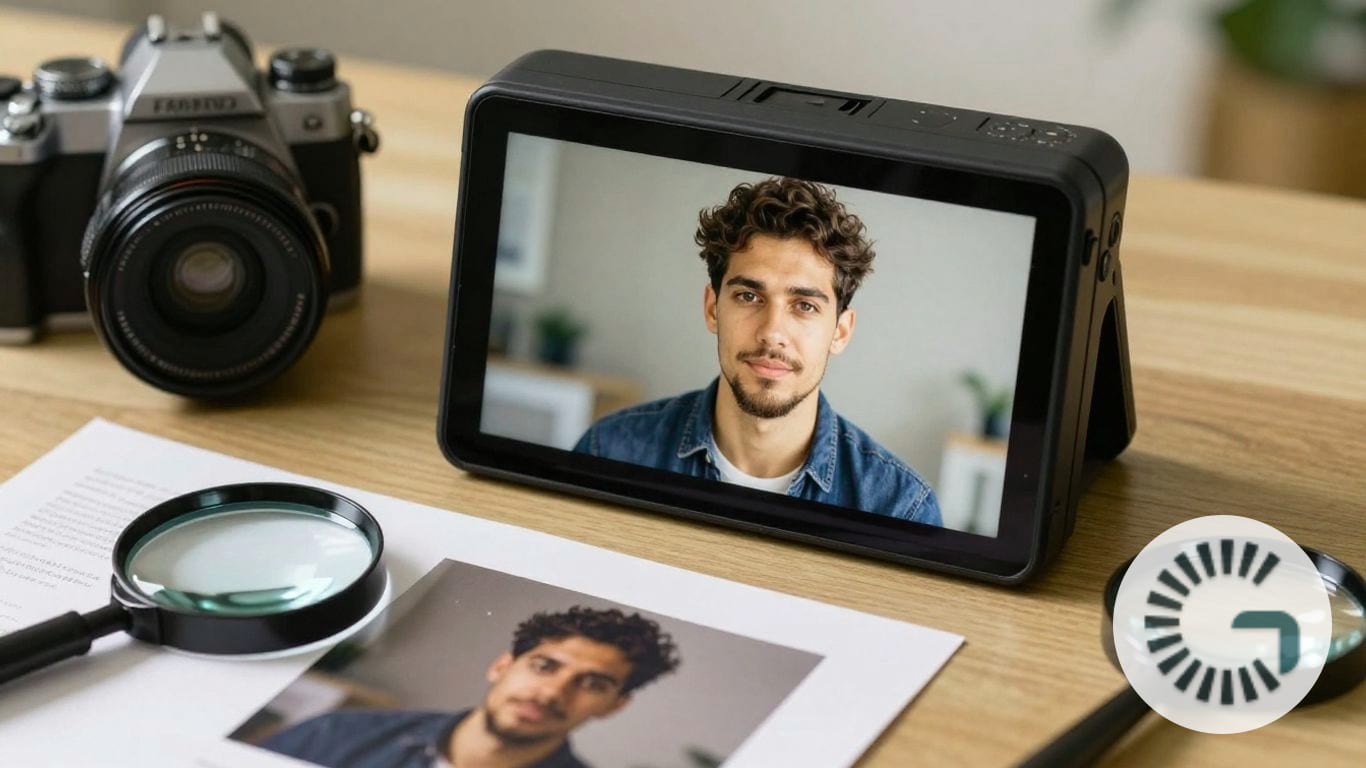
Use an ai image detector wisely: learn visual clues, accuracy limits, and verification steps.
Key Takeaways
An AI image detector can help you assess whether a picture appears real, AI-generated, or AI-modified, but no score should be treated as conclusive proof. The most reliable review combines automated signals with visual inspection, provenance, source history, and careful judgment.
- Detection results are probability estimates, not absolute verdicts.
- Pixel patterns, metadata, artifacts, and file history can all provide useful signals.
- Compression, screenshots, filters, and newer generators can reduce accuracy.
- Reverse image search and content credentials answer different questions from detection tools.
- High-stakes decisions should rely on several pieces of evidence, not one scan.
What an AI image detector does
An AI image detector examines an image for signs associated with synthetic generation or AI-based editing. It may assess the entire file, identify suspicious regions, or distinguish between a fully generated image and a real photograph with altered areas. You can use one as an early verification step, especially when an image appears in a post, claim, listing, or document without a clear source. The result is useful evidence, but it does not reveal the complete story by itself.
How detectors analyze visual patterns
Detection systems look beyond whether an image seems visually strange to you. They can examine pixel relationships, noise, edges, textures, color transitions, and frequency patterns that may differ from those found in ordinary camera captures. Some systems also look for signs that different parts of an image were produced or processed in different ways.
That matters because a polished synthetic image may contain no obvious visual mistake. Conversely, a genuine photograph taken in difficult light may look unusual while still being authentic. A detector therefore compares many small signals rather than relying only on a human impression of realism.
The signals used to identify synthetic images
A detector may combine visual and frequency-based signals with metadata, generator fingerprints, and provenance information. These signals can include unusual noise distributions, repeated texture behavior, inconsistent edge detail, or file information that suggests a particular editing or generation workflow. No single signal is reliable in every image.
For a practical overview of these methods, you can read this guide to AI image detection, which explains noise statistics, frequency patterns, physical consistency, and the limits of visible visual clues. The broader lesson is simple: several weak signals can become useful together, while one isolated oddity is rarely enough to support a firm conclusion.
AI-generated images versus edited photographs
A fully AI-generated image is created primarily from synthetic content, while an AI-modified image may begin as a real photograph and contain a face swap, removed object, altered background, or other generated region. Those cases can look similar at first glance, yet they raise different verification questions. You may need to know whether the whole image is synthetic or whether only one part has been changed.
That distinction is especially important when a detector provides a regional analysis. A suspicious area around a face or object does not necessarily mean the entire photograph was generated. Treat the result as a map of where to investigate, not as a declaration about every pixel.
Why detection results are usually probabilities
Image detectors classify patterns learned from examples, so their outputs are normally expressed as likelihoods or confidence scores. A high score means the image resembles patterns associated with AI content; it does not establish who created it, which tool was used, or whether the file was intentionally deceptive. A low score also cannot prove that an image is authentic.
Your interpretation should account for the image’s purpose and the cost of being wrong. A casual social post may need a quick additional check, while a legal claim, news report, academic matter, or hiring decision deserves original files, source records, and human review.
How AI image detectors work
Most detection workflows combine several forms of analysis rather than searching for one universal AI signature. The system may inspect the pixels, read available file information, compare patterns with known synthetic artifacts, and use a trained classification model to estimate the result. These layers complement one another, but each has blind spots. An image can lose useful evidence during editing, or a newer generation system can produce patterns that were not present in the detector’s training data.
Pixel-level and texture analysis
At the pixel level, a detector can examine how neighboring pixels relate to one another and whether textures behave consistently across the frame. It may also inspect frequency information, which can reveal regularities in noise or detail that are difficult to see at normal viewing size. This analysis is different from simply spotting a malformed hand or strange face.
Texture analysis can be helpful in skies, skin, hair, fabric, and detailed backgrounds, where generation systems sometimes smooth, repeat, or blend information in unusual ways. Still, a high-quality camera, a phone’s computational photography, or heavy post-processing can create its own distinctive patterns.
Metadata and file-structure checks
Metadata can preserve details such as a camera model, editing software, creation time, color profile, or export history. A detector may also inspect the file structure for signs of re-encoding or missing information. These clues are useful when they remain intact, but social platforms and messaging apps often remove or rewrite metadata.
A clean metadata record does not prove authenticity, and an empty one does not prove generation. Someone can export a genuine photograph without its original metadata, while a synthetic image can be placed inside an ordinary-looking file. File information should support pixel analysis and source research rather than replace them.
Recognition of common generation artifacts
Synthetic images may contain small inconsistencies in anatomy, lettering, reflections, shadows, repeated objects, or fine textures. Detectors can be trained to recognize recurring patterns in those artifacts, including signals that are too subtle to notice without magnification. Human inspection remains useful because it can connect a technical anomaly to the image’s visible context.
You should also remember that obvious artifacts are not required for an image to be AI-generated. Newer systems may produce realistic faces, hands, and text, while older visual clues can disappear after resizing or editing. Artifact recognition is one part of a layered review, not a permanent checklist of errors.
Machine learning classification models
A machine learning classifier weighs multiple measurements and estimates which category best fits the image. Depending on the tool, those categories may include real, AI-generated, AI-modified, or uncertain. The model’s confidence reflects how closely the submitted file matches its learned examples, not a universal measurement of truth.
A simple way to understand the kinds of evidence involved is to separate the signal from the question it can answer:
| Evidence examined | What it may suggest | What it cannot establish |
|---|---|---|
| Pixel and frequency patterns | The file has unusual synthetic or processing signals | Who created the image |
| Metadata and file structure | How the file may have been exported or edited | That the pixels are authentic |
| Visual artifacts | Possible generation or manipulation | That every odd detail is intentional |
| Provenance information | A recorded chain of creation or edits | That an unrecorded image is fake |
The table is a reminder that classification works best as an evidence layer. Before acting on a result, compare it with the image’s source, context, and available original file.
How to use an AI image detector
Using a detector well involves more than uploading a file and reading the largest number on the screen. You need a reasonably preserved image, a tool that explains its result, and a process for checking uncertainty. If the image matters, save the original, record when you scanned it, and keep the result with the other evidence. A repeatable workflow makes your conclusion easier to review later.
Choosing a reputable detection tool
Choose a service that explains what it analyzes, states that results are probabilistic, and gives you enough detail to investigate further. Privacy also matters, particularly when an image contains a face, identity document, confidential business material, or unpublished work. Check whether the tool processes files locally or stores uploads, and read its terms before submitting sensitive material.
GPTOne describes its AI Image Detector as assessing whether images appear real, AI-generated, or AI-modified. Its documented analysis combines model-based detection with visual and frequency-based signals, metadata and generator fingerprints, and provenance checks such as C2PA Content Credentials. Results can include an AI-versus-real confidence score, signal analysis, and a region heatmap, with image analysis designed to run locally in the browser for a privacy-first workflow.
Uploading an image in the right format
Use the highest-quality original file available rather than a screenshot of a screenshot. Preserve the file before opening it in an editor, and avoid adding filters or exporting it repeatedly before the first scan. If the tool has file-size or format limits, use a supported version while keeping the untouched original for comparison.
A reduced copy can still be useful, but you should record that it is reduced. Resizing and recompression may remove the very signals a detector needs, and a screenshot can replace camera metadata with information about the screen capture. The scan should describe the submitted copy, not automatically be treated as a conclusion about an unavailable original.
Interpreting confidence scores
A confidence score tells you how strongly the detector’s evidence points toward a category under its model. It is not the same as accuracy, and it is not a percentage chance that the person who submitted the image acted dishonestly. A score near the middle usually calls for more investigation, while even a high score should be checked against provenance and context.
If a tool provides a heatmap, inspect whether the highlighted regions make sense. A concentrated area around an edited object may support an AI-modification hypothesis; scattered highlights across a compressed photograph may instead reflect processing noise. Read the explanation, preserve the output, and avoid translating a model estimate into certainty.
Comparing results across multiple detectors
Different detectors use different training data, thresholds, and definitions of AI content. Comparing results can reveal whether a conclusion is stable, but a disagreement does not automatically mean one tool is correct. You should compare the explanations and the image versions used, not merely collect the highest score.
A sensible cross-check can follow this sequence:
- Scan the original file first and preserve its result.
- Repeat the check only if you need to test a resized or edited copy.
- Compare regional findings, not just overall percentages.
- Check the image’s metadata, provenance, and source history.
- Record uncertainty instead of forcing the tools to agree.
This process gives you a clearer audit trail. It also prevents you from shopping for a result that confirms an assumption you made before examining the evidence.
Visual clues that an image may be AI-generated
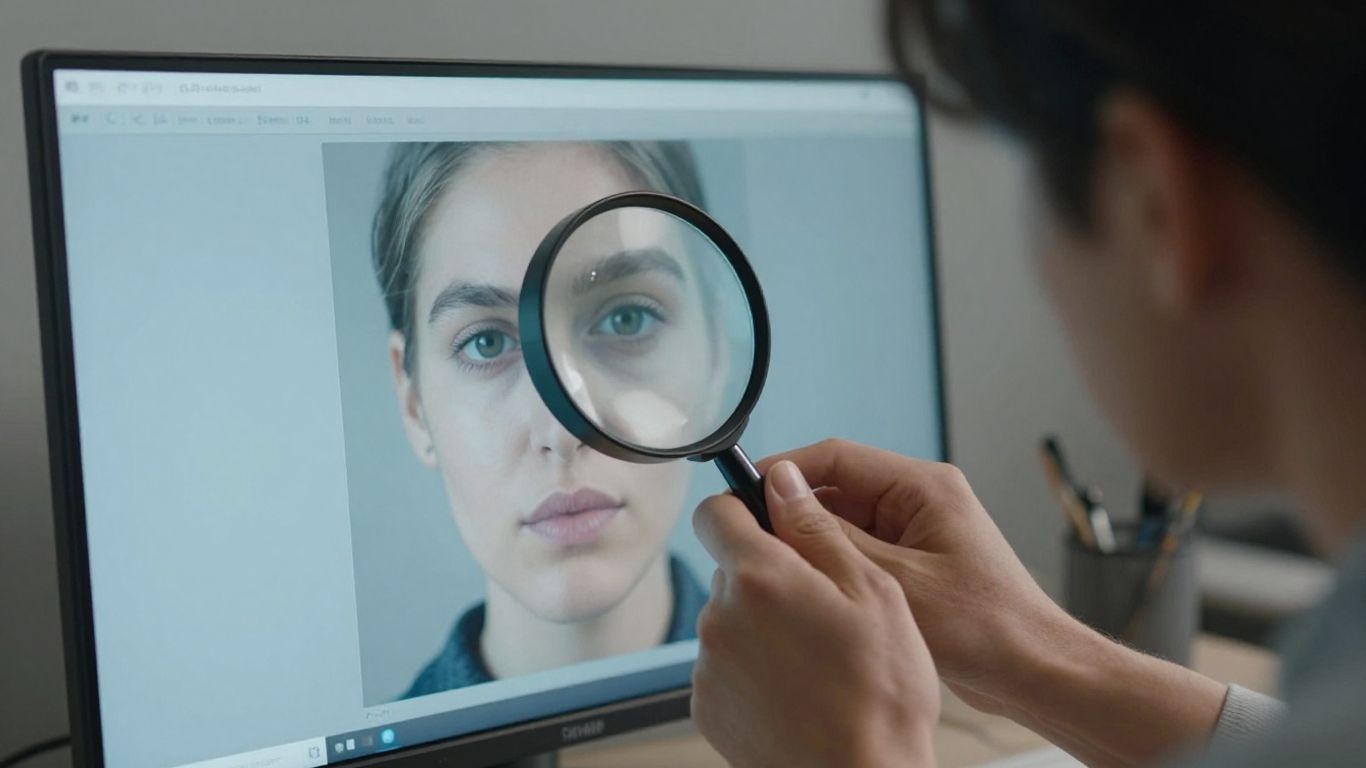
Visual inspection remains valuable even when you use an automated detector. You can zoom in on details, compare repeated elements, and ask whether lighting and geometry remain consistent across the frame. These clues are leads, not proof, because genuine photographs can include blur, unusual perspective, or editing artifacts. Use them to decide where to look more closely.
Distorted hands, faces, and body details
Hands, ears, teeth, jewelry, and facial symmetry have often exposed weaknesses in generated images. Look for fingers that merge, joints that bend implausibly, mismatched earrings, or features that change when you compare both sides of a face. Reflections in glasses and eyes can also reveal inconsistent geometry.
These clues are less decisive than they once were. A low-resolution real photograph can distort a hand, and newer image generators can produce convincing anatomy. Treat an anatomical error as a prompt for closer checking rather than a verdict about the image.
Inconsistent text, logos, and symbols
Generated text may appear almost correct while containing altered letters, impossible words, inconsistent fonts, or symbols that change shape across a sign. Logos can have slightly wrong spacing or details, especially when they occupy a small part of a complex scene. Zooming in can help, but excessive enlargement may create artifacts of its own.
Compare visible writing with the claimed location or organization when possible. If a screenshot contains interface labels, check whether elements align with the real service. A visual clue becomes stronger when it conflicts with information from a trusted source.
Unnatural lighting, reflections, and shadows
Light should behave consistently across faces, objects, surfaces, and shadows. A person may be lit from one direction while the background suggests another, or a reflective surface may show an object that does not exist in the scene. Cast shadows can also have the wrong angle, softness, or contact point.
Weather, studio lighting, wide-angle lenses, and compositing can make real images difficult to read. You should look for several related inconsistencies rather than treating one odd reflection as decisive. The image’s original context may explain an effect that looks suspicious in isolation.
Repeating patterns and overly smooth textures
Synthetic images sometimes repeat windows, leaves, bricks, clouds, or decorative details with slight variations. Skin, fabric, and hair may look unusually smooth, while the edges of small objects dissolve into nearby textures. These patterns can be easier to notice when you compare similar areas of the image.
Style alone is not evidence. Digital art, retouching, portrait lenses, and noise reduction can all create smooth surfaces. For a repeatable visual review, examine the subject, background, text, and lighting together rather than relying on whether the picture has a generally artificial look.
What affects AI image detector accuracy
Accuracy depends on the image, the detector, and the way the file reached you. A tool trained on one group of generators may perform differently on another, and a clean original can produce more useful evidence than a heavily processed copy. Even a well-designed detector can produce false positives and false negatives. You should interpret every result within those limits.
Image compression and resizing
Compression removes information and can introduce block patterns, ringing, and softened edges. Resizing changes the relationship between pixels, while repeated exports can replace original noise with a new pattern. These changes may make an authentic camera image resemble processed or synthetic content.
When possible, request the original file or an export made directly from the source. If you only have a downloaded social-media copy, note that limitation in your records. A result from a compressed preview should carry less weight than a result supported by an intact original and matching source history.
Screenshots, edits, and filters
Screenshots remove or alter much of the original file structure, and filters can change color, texture, contrast, and sharpness. AI upscaling, automatic portrait enhancement, and computational photography can also alter a camera image without making it synthetic. These transformations may confuse a detector that is looking for the original capture’s characteristics.
For guidance on false positives caused by screenshots, recompression, upscaling, and smartphone processing, see this false-positive detection guide. The practical response is to compare versions and inspect the heatmap or regional explanation instead of assuming that a processed file reflects the original image perfectly.
New image generators and evolving techniques
Detection models are always working against changing generation methods. New systems may use different rendering processes, training data, or post-processing pipelines, so older fingerprints may become less useful. A generator can also be updated without changing the way a user describes the image or shares the result.
This is why claims of permanent, universal detection accuracy deserve caution. A detector can be helpful today and still require evaluation as image-generation methods change. Your workflow should leave room for uncertainty and use source verification alongside automated analysis.
Biases across styles, subjects, and image types
Performance can vary across portraits, illustrations, product photographs, scans, screenshots, landscapes, and heavily edited images. A detector may also behave differently across lighting conditions, image sizes, languages shown in the frame, or cultural styles of photography and art. If your use case involves unusual imagery, test the process on representative examples before relying on it.
You should be especially careful when a result could affect a person’s reputation, income, education, benefits, or access to a service. A model score is not a substitute for a fair review process, and a visual style that differs from the training examples is not evidence of deception.
How to verify an image beyond automated detection
Automated detection asks whether the file contains patterns associated with synthetic or modified imagery. Verification asks a wider set of questions: Where did the image come from? Has it appeared before? Does the claimed event, place, or person match other evidence? Combining these approaches can resolve cases that a detector alone cannot.
Checking reverse image search results
Reverse image search can show earlier appearances of a picture, related versions, or a different caption attached to the same file. This may reveal that an image is old, stolen, recycled, or being used out of context. It does not necessarily tell you whether the image was generated by AI.
That distinction is central: reverse search tracks online history, while an AI image detector examines the file’s visual and technical signals. A missing search result does not prove that an image is synthetic, since a new or private image may never have been indexed. Use the two methods for different questions rather than treating them as interchangeable.
Reviewing metadata and content credentials
Look for camera and editing metadata, export history, and provenance records when they are available. Content Credentials based on C2PA can provide information about an image’s origin and edits, but the absence of credentials is not proof that a file is false. Metadata can be stripped, rewritten, or never created in the first place.
Check whether the record is cryptographically connected to the file you received. A screenshot of metadata is weaker than a verifiable credential attached to the original asset. Provenance is strongest when it agrees with the pixels, the source, and the publication history.
Comparing the image with trusted sources
Find independent photographs, official releases, maps, recordings, or eyewitness material that relate to the same claim. Compare distinctive details such as buildings, clothing, weather, shadows, and camera angle. If the image purports to show a public event, trusted reporting may help establish whether the scene is plausible.
Do not treat a polished official-looking page as automatically trustworthy. Check who published it, when it appeared, whether other reliable sources confirm it, and whether the image has been cropped or captioned selectively. Source quality matters as much as visual similarity.
Examining the original context and publication history
Save the page, post, or message where you found the image, including its timestamp and accompanying claim. Look for earlier captions, deleted versions, edits, and changes in how the image was described. An authentic image can still be misleading when it is attached to the wrong event or presented without necessary context.
A careful record lets you separate three questions: whether the image is synthetic, whether it was altered, and whether the claim around it is accurate. Those questions overlap, but none can be answered reliably by one score alone.
Best practices for using AI detection responsibly
Responsible detection is as much about decision-making as technology. You need to communicate uncertainty, protect the files you inspect, and match the level of review to the consequences of the decision. A detector can help you prioritize investigation, but it should not become an automatic accusation machine. Clear records and human review make the process more defensible.
Avoiding false accusations based on one result
Never accuse a person, publisher, student, customer, or claimant solely because one tool returned a high score. Ask whether the file was compressed, edited, or captured from a screen, and look for independent evidence. Give the person or source an opportunity to provide the original file or explain the image’s history.
A cautious statement such as “the file contains signals associated with AI generation” is more accurate than “this proves fraud.” Your language should reflect what the evidence can actually establish and should leave room for a detector error.
Protecting private and sensitive uploads
Before uploading an image, consider whether it contains identity information, medical details, confidential documents, faces of children, or unreleased business material. Review the tool’s privacy terms and retention practices. When possible, use a workflow that processes images locally and avoid sharing scan results more widely than necessary.
Remove unnecessary copies and restrict access to reports. A detector result can become sensitive information itself, particularly when it concerns a person’s identity, employment, education, or legal matter. Privacy should be part of the verification plan from the beginning.
Using detectors in journalism, education, and business
In journalism, detection can flag an image for source checking before publication. In education, it can prompt a conversation about an uploaded visual rather than serve as automatic evidence of misconduct. In business, it may support review of listings, claims, documents, or user-submitted media, but any action should follow a documented policy.
GPTOne positions its detection results as evidence and confidence signals for informed decisions, not definitive proof of authorship or manipulation. That approach fits high-stakes settings: use the scan to guide a fuller review, explain the limits to the people involved, and apply the same standard consistently.
Documenting evidence before making a decision
Keep the original file, the submitted copy, the detector result, the date, and the relevant source page. Record what changed between versions and note any metadata or provenance findings. If you use more than one method, write down what each method showed instead of merging everything into an unexplained conclusion.
A short evidence log can include:
- The file name, hash or source location, and date collected.
- The detector used, score returned, and regions highlighted.
- Compression, resizing, editing, or screenshot limitations.
- Reverse-search, metadata, credential, and publication findings.
- The final decision, its reasoning, and any unresolved uncertainty.
This record keeps the process transparent and makes later correction possible. It also helps you distinguish a technical signal from the broader judgment you eventually make.
Conclusion
An AI image detector is most useful when you treat it as one part of a careful authenticity review. Combine its confidence score and visual signals with the original file, provenance, reverse image search, trusted sources, and the image’s publication history. That layered approach will not remove uncertainty, but it will help you make decisions that are more accurate, more explainable, and fairer to the people affected.
Frequently Asked Questions
Can an AI image detector prove that an image is fake?
No. A detector estimates how strongly an image matches patterns associated with AI generation or editing. You should combine the result with source history, metadata, provenance, visual review, and other evidence before reaching a conclusion.
What is the difference between an AI-generated and AI-modified image?
An AI-generated image is produced mainly from synthetic content, while an AI-modified image usually begins with a real image and contains one or more generated or altered regions. The distinction matters because a suspicious region does not necessarily mean the entire image is synthetic.
Why can a real photograph receive a high AI score?
Compression, screenshots, filters, AI upscaling, computational photography, unusual lighting, and repeated exports can alter a genuine image’s technical patterns. These changes may resemble signals learned from synthetic images and create a false positive.
Should you use reverse image search or an AI detector first?
Use the method that matches your question. Reverse image search investigates where an image has appeared before, while an AI detector examines whether its visual or technical patterns resemble generated or modified content. Using both often gives you a more complete picture.
Do metadata and content credentials prove authenticity?
They can provide useful evidence about an image’s origin and editing history, especially when the record is verifiable and connected to the file. However, metadata can be removed or changed, and the absence of credentials does not prove that an image is fake.
How should you interpret a detector confidence score?
Treat it as an estimate of how closely the submitted file matches the detector’s learned patterns. It is not the same as accuracy and does not prove intent, authorship, or deception. A higher score should lead to more careful checking, not an automatic accusation.
What should you do when detectors disagree?
Compare the tools’ explanations, regional findings, file versions, and confidence levels. Then check the original source, metadata, provenance, and publication history. Document the disagreement and keep the conclusion proportionate to the available evidence.