AI Image Detector for Journalists: A Newsroom Verification Workflow
 Sana Bano
·October 30, 2026
·9 min read

A practical ai image detector for journalists workflow for checking provenance, file clues, pixels, context, and uncertainty.
Key Takeaways
A detector can help you assess an image, but it cannot settle a newsroom’s verification question on its own. Treat every result as one piece of evidence in a documented review.
- Start with the source, publication history, and earliest available copy.
- Check metadata and provenance records, but do not treat missing records as proof of fakery.
- Read detector scores and heatmaps as signals, not verdicts.
- Compare visual details with location, weather, and other independent evidence.
- When evidence conflicts or remains thin, say so plainly in your copy.
The short answer: no single tool settles it, a workflow does
An ai image detector for journalists can help you spot signals that deserve a closer look, but it cannot establish who made an image or whether its caption is true. You need to check where the file came from, what the file itself can tell you, and whether the scene fits independently verifiable facts. That combination is more useful than chasing a single “real or fake” answer.
Your newsroom image verification process should leave room for uncertainty. A real photograph may be edited, compressed, cropped, or stripped of useful records; a synthetic image may look convincing and carry little obvious evidence of its origin. Keep those possibilities in view before you label a picture.
The aim is to reach a defensible editorial decision, not to produce a confident-sounding score. A practical three-layer verification process helps you compare provenance, pixel-level analysis, and context, then explain what each can and cannot establish.
Step 1, provenance: source, reverse image search, earliest copy
Begin with the person or account that supplied the image. Ask when and where it was captured, who took it, whether the source has the original file, and whether anyone else can confirm the circumstances. Keep the original submission untouched; a screenshot or re-saved copy can discard useful clues.
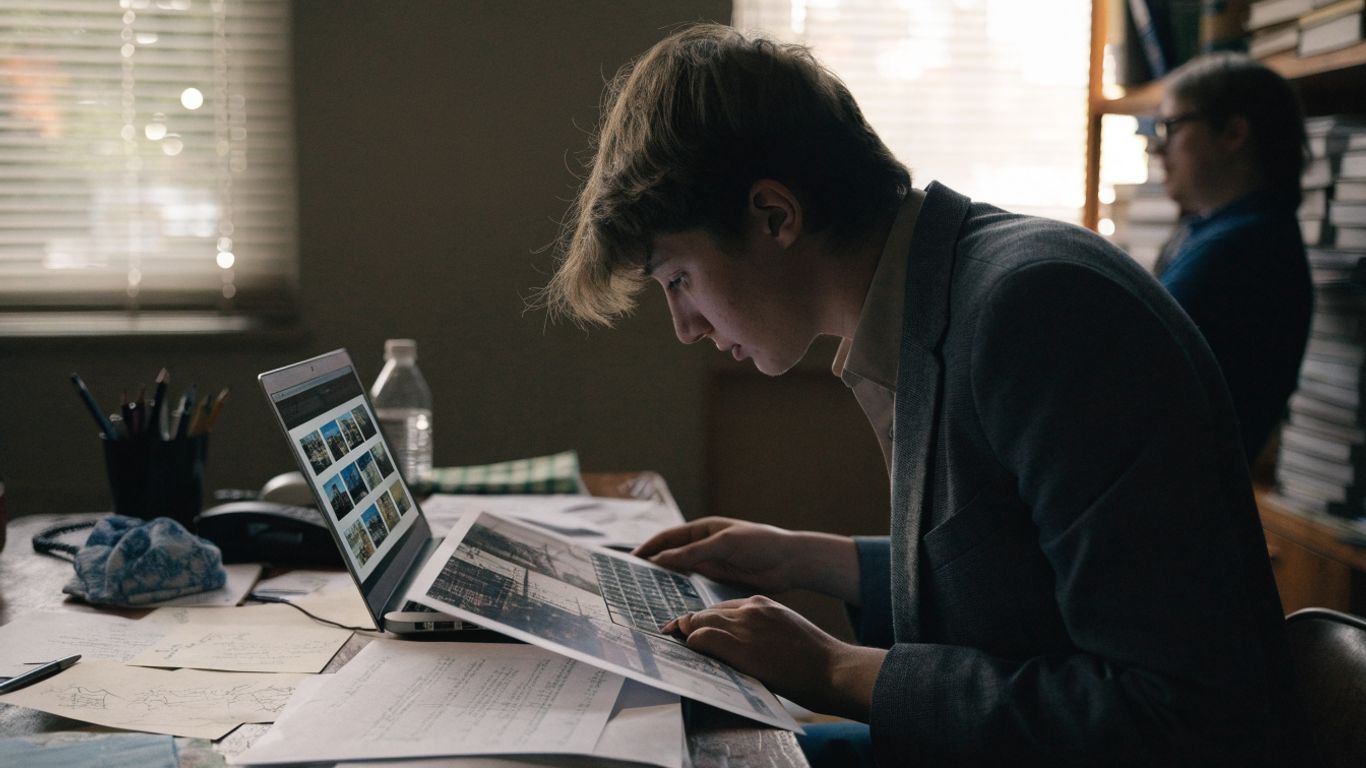
Search for earlier appearances of the image and compare crops, captions, and timestamps. A reporter verification guide can help frame the questions you ask, but search results are leads rather than confirmation: an older copy may still carry a false caption, and a recent upload may simply be the first indexed version.
Record what you searched and what you found, including dead ends. If an image first appeared years before the event it supposedly depicts, that is a strong reason to challenge the caption; if no earlier version appears, that absence does not prove the image is new or authentic. Provenance helps establish a chain of custody, not certainty by itself.
Step 2, what the file admits: metadata, C2PA Content Credentials, SynthID
Look at the file you actually received, not only a preview embedded in a post. Metadata may retain details about a camera, editing software, or time of export, but platforms and messaging apps often remove or change it. The absence of metadata is common and does not, on its own, make an image suspicious.
These signals differ in what they can establish, so keep their limits visible while reviewing them:
| Signal | What it may offer | What it cannot settle alone |
|---|---|---|
| File metadata | Clues about capture or editing history | Whether the scene and caption are true |
| C2PA Content Credentials | A record of signed origin or editing information, when present and verifiable | Authenticity if the record is absent or incomplete |
| SynthID | A watermark signal in supported verification contexts | A universal test for every synthetic image |
| Detector output | A probability or visual signal that merits review | Who created the image or why |
GPTOne offers an AI Image Detector that combines model-based detection with visual and frequency-based signals, metadata and generator fingerprints, and provenance checks such as C2PA Content Credentials. That can add a useful line of inquiry, but a missing credential or fingerprint is not proof that an image is human-made; records may never have been present or may not survive later handling.
Step 3, pixel-level detection: a confidence score plus a region heatmap
A detector may estimate whether an image appears real, AI-generated, or AI-modified, and some tools identify regions that merit closer inspection. The score is a confidence signal, not a courtroom-style finding. Compression, filters, retouching, and mixed human-AI editing can complicate the interpretation.
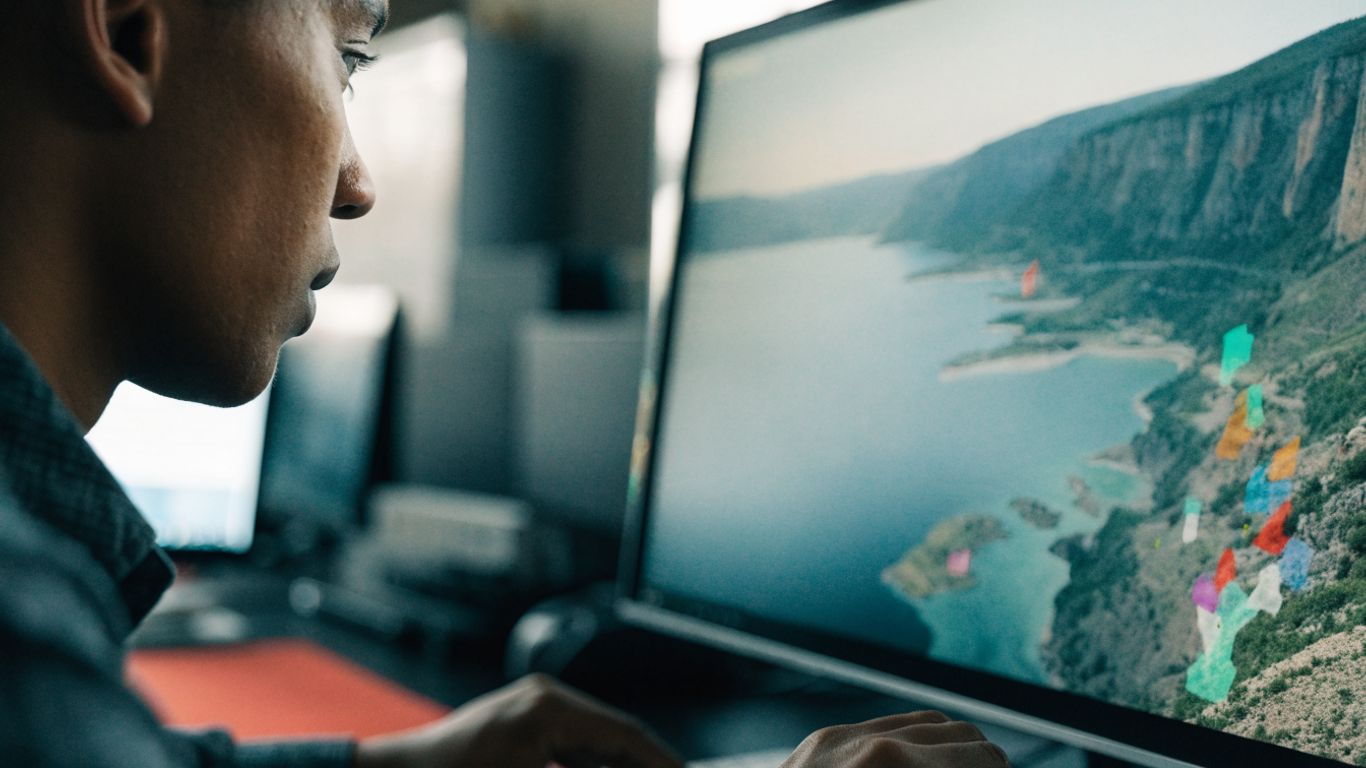
GPTOne’s AI Image Detector can provide an AI-vs-real confidence score, detailed signal analysis, and a region heatmap highlighting potentially manipulated areas. Use the heatmap to guide a careful visual review, not to declare that every highlighted patch was generated or altered. The pixel-level heatmap explanation offers more detail on how to read that kind of output.
Compare the result with the file’s history and the scene’s context, then note where the signals agree or conflict. If the score is strong but the source has a credible original and independent corroboration, investigate the mismatch rather than publishing the number as a verdict. The image signal guide also explains why processing and image type can affect detector results.
Step 4, context checks: shadows, text, hands, location and weather
Look closely at the scene, but resist the temptation to treat a familiar visual oddity as proof. Inconsistent shadows, distorted lettering, or unusual fingers can be clues; they can also result from blur, perspective, motion, or ordinary editing. Ask what the particular detail would mean in this photograph, not whether it resembles a list of AI “tells.”
Check the image against facts that can be verified outside the image itself. A compact set of questions keeps that review focused:
- Does the visible weather match reliable reports for the place and time?
- Do landmarks, street layouts, and building details fit the claimed location?
- Do shadows and reflections make sense for the stated time and lighting?
- Can a second source confirm the event or identify the people and setting?
Then record which observations are direct and which are inferences. A mismatch in weather or geography may show that the caption is wrong without showing that the image is AI-generated; likewise, a visually plausible scene does not confirm the event. That distinction matters when you fact check AI generated photos under deadline.
How to word it in copy when the evidence is inconclusive
Choose language that matches what you can establish. If a source cannot be independently verified, say the image remains unverified and explain which checks are outstanding. Avoid turning “the detector flagged it” into “the image is fake”; those statements do not mean the same thing.
Attribute evidence specifically: the file contains a credential, a reverse search found an earlier version, or a detector marked certain regions for review. Where the signals point in different directions, describe that disagreement instead of smoothing it into a tidy conclusion. A careful sentence is more useful to readers than certainty you cannot support.
If you determine that an image is synthetic or materially edited, explain the basis and the scope of that finding. You may be able to establish that an image was altered without knowing who altered it, when it happened, or whether the person who shared it knew. Keep those unanswered questions separate from the facts you have verified.
A one-page checklist for the desk
A repeatable process makes it easier for another editor to understand how you reached a decision. Save the submitted file, retain the source link, and note any conversion or editing performed during review. These simple steps help preserve evidence that might otherwise disappear from a fast-moving post.
Before publication, run through the essentials and make sure the record distinguishes observations from conclusions. The point is not to complete every check mechanically; it is to identify the gaps that still matter to the story.
- Confirm who supplied the image and ask for the original file or capture details.
- Search for earlier copies and compare dates, crops, and captions.
- Review metadata, Content Credentials, and any available watermark signals.
- Treat detector scores and heatmaps as prompts for further inspection.
- Cross-check the scene and document unresolved uncertainty in the copy.
Once the checks are complete, ask whether the image supports the claim being made, even if its origin remains unclear. If the answer is no, hold it, qualify the caption, or find another way to illustrate the story. A disciplined process for how journalists check AI images is ultimately about making the limits of the evidence visible.
Conclusion
Good verification is not a contest to produce the strongest verdict; it is a careful account of what the image, its history, and independent reporting can actually support. When you separate evidence from inference and state uncertainty honestly, readers can understand why an image was used, and what remains unknown.
Try a free image check
If an image needs another layer of review, try a free image check with GPTOne’s AI Image Detector, then weigh its signals alongside your source research and reporting.
Frequently Asked Questions
Can an AI image detector prove that a photo is fake?
No. A detector can provide signals or a confidence estimate, but those results do not prove who created an image or whether its caption is accurate. Combine them with source research and independent checks.
What should journalists check first when an image arrives?
Start with the source and ask for the original file, capture details, and context. Then look for earlier copies and compare the image’s history with the claim attached to it.
Does missing metadata mean an image was generated by AI?
No. Social platforms and messaging services commonly remove metadata, and many otherwise genuine images have little useful file information. Missing metadata is a gap in evidence, not proof of synthetic origin.
What are C2PA Content Credentials?
They are records that can carry information about an image’s origin and editing history. Their presence may help with provenance, but an absent or incomplete record cannot settle whether an image is authentic.
How should a newsroom interpret an AI detection score?
Treat it as an estimate that may help direct further review. Check what the tool’s result covers, look for corroborating evidence, and do not present a score as a definitive finding.
Are visual clues such as distorted hands reliable evidence?
They can prompt closer inspection, but they are not reliable proof on their own. Blur, perspective, motion, and ordinary editing can create odd-looking details in genuine photographs.
What should you write if the image cannot be verified?
State that the image remains unverified and describe the relevant checks or limitations. Do not imply that uncertainty proves an image is fake or that a plausible appearance confirms its caption.